Vedren wrote:
That's just a basic graphics glitch. I get that if I minimise the game too, all you have to do is re-apply your graphics settings, just go to options > video tab > advanced button > click done.
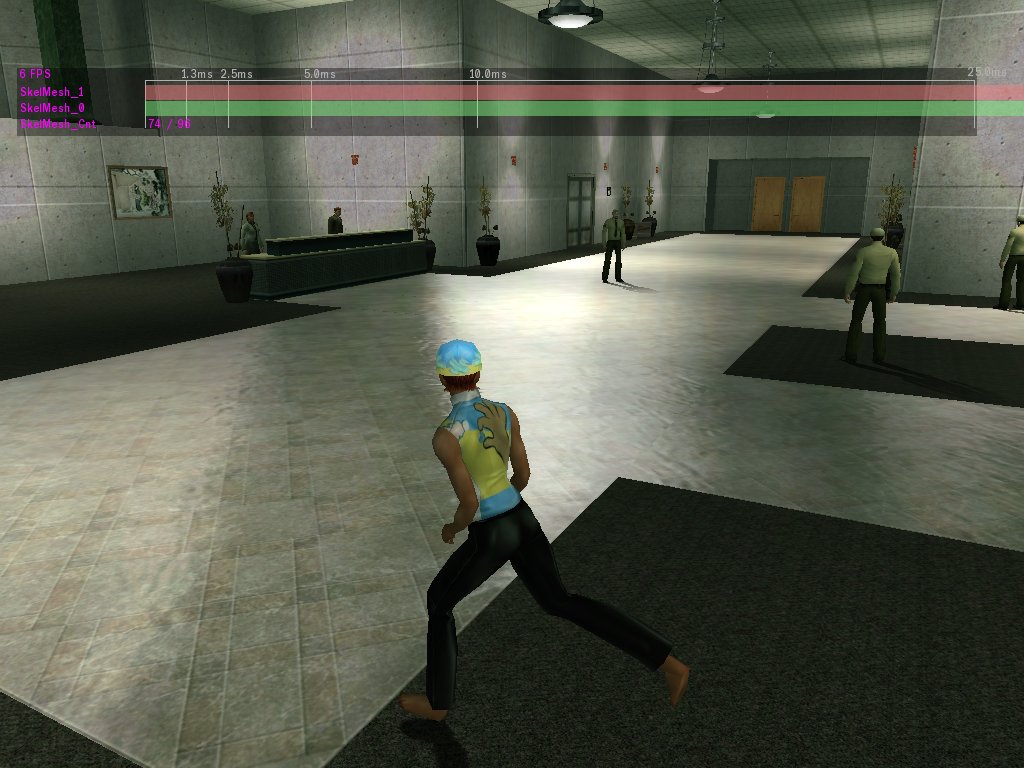
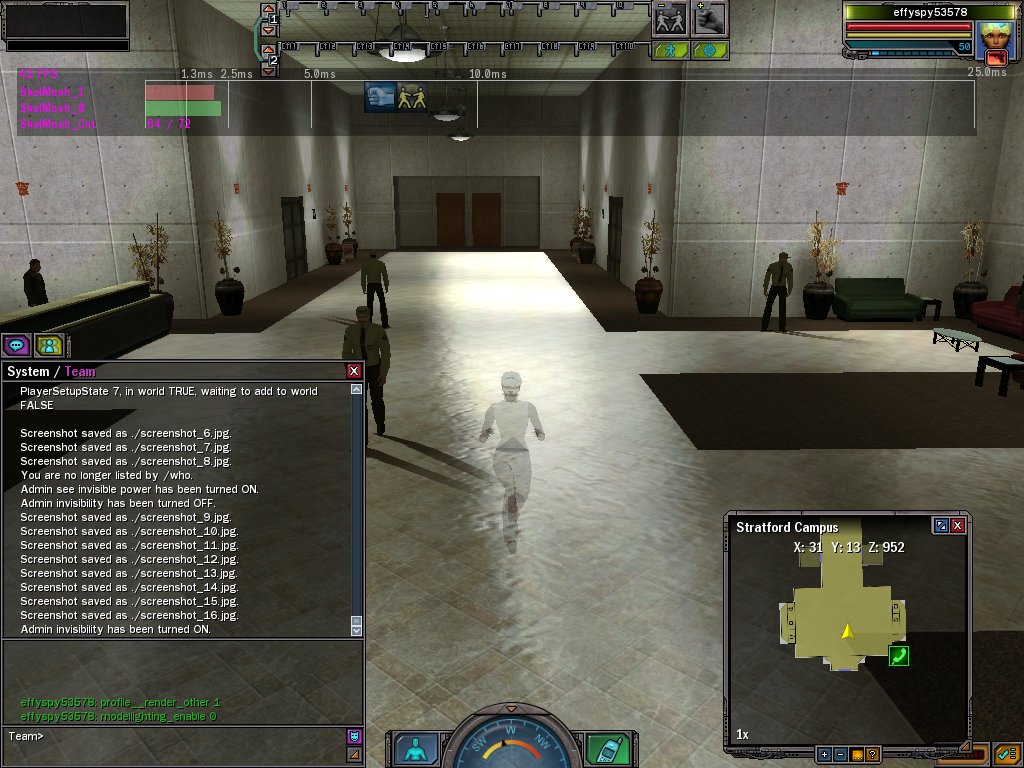
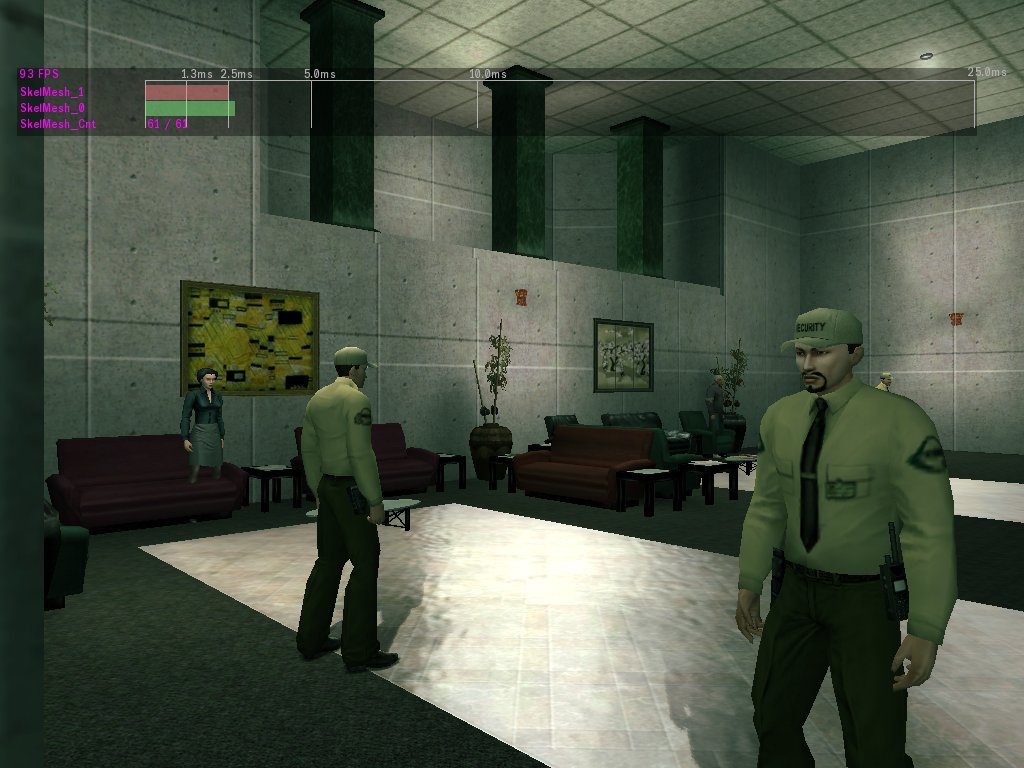
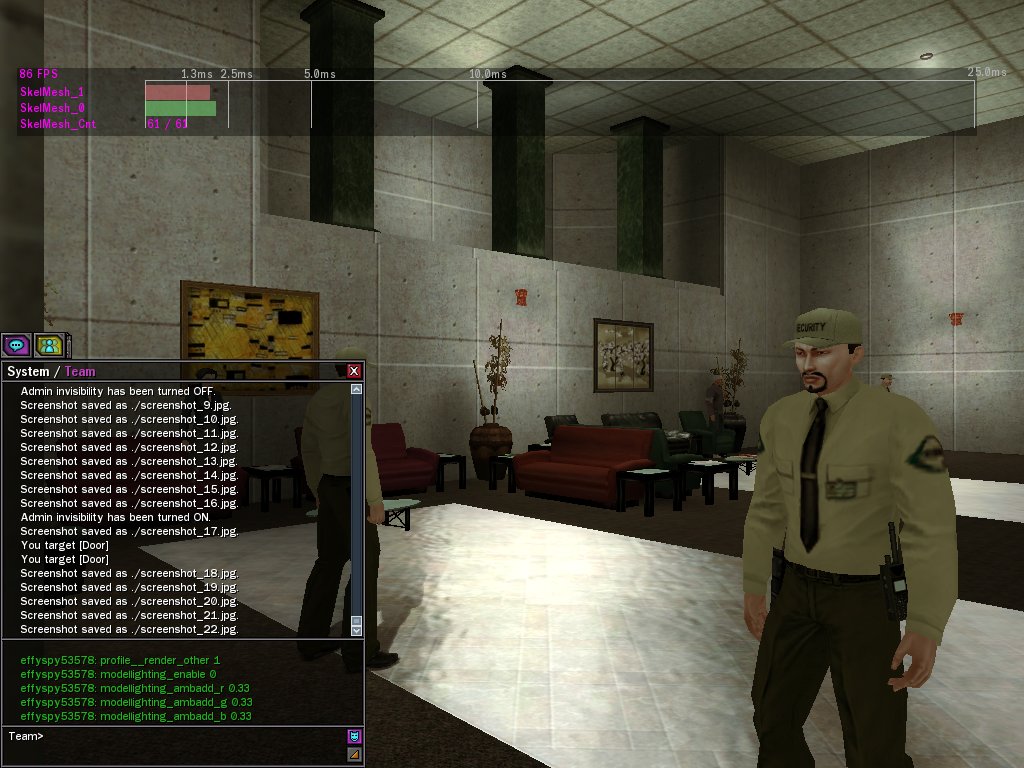
Dunno if this will help with anything I just found it weird. I use XP and a 8600, I get the indoor lag in most buildings. I was at the Syntax EPN event yesterday and entered the area as the lag kicked in i minimised to turn on ventrillo and then opened the games screen back up. To my surprise I could see through everything inside. People were about 50% trans, walls were invisible for the most parts, but objects like containers,desks,cabinets etc...even thouse that weren't clickable were not transparent at all.
That's just a basic graphics glitch. I get that if I minimise the game too, all you have to do is re-apply your graphics settings, just go to options > video tab > advanced button > click done.
 ~
~