let's meditate about weather, models, and such

92 posts · 2009-05-29 05:45:36 to 2009-06-10 16:42:06

#36300560335 05/30/2009 13:00:26 Re:Re:let's meditate about weather, models, and such

Bayamos wrote:

Mathalos's patch is here.

04000D02 00020200 "resource/characters/shared/textures/Pants/jeansbluem.txa" "packmaps/char_shared_d.pkb" 011B7C94 00055526
04000D04 00020200 "resource/characters/shared/textures/Pants/jeansm_bump.txa" "packmaps/char_shared_d.pkb" 012626E0 00055526

Vesuveus, you could in theory but it'd be a pain. Sleepwalker Jeans and Deep Blue Jeans are the same model, so you only need to change the texture. Because of this, everything scales properly for everyone. We can swap out hats and such with other things because they're the same size for all body types of the similar gender. If you wanted to swap out Black Plain Slacks with Blue Jeans, you'd need to find the geometry and texture of black slacks, and then replace EACH body type's version of black slacks with the proper geometry. However, there are many different geometries, all vaguely named as /muscular_male/mg_pants1.mga, /small_male/sm_pants1.mga, sm_pants2.mga, and such. It'd take a while to find the right one, and the same thing goes for the black texture.

Plus, most "regular" clothing pieces don't have specular or bump maps; the Blue Jeans do (and the SW Jeans do too). Thus, we can easily swap out SW bump/base .txas and the engine takes care of the geometry for us. And because the Blue Jeans have bump maps, you can't properly replace normal clothing items as them; since they don't have a field for us to attach the bump map texture replacement. It's always best to try and use some distinctive item as a base, Earpiece, SW Jeans, Omega Trench, Demon Army, Area K, Assassin's Mask, etc. Something that would have it's own geometry, texture, and possibly bump texture.

So, if you can get ahold of any of the SW pant versions, it'd be possible to swap them out easily with the RezMap. Another option is always to use the useropts clothing shell; however, you can't always 100% recreate your look with the shell: tattoos, hair color, facial hair color, and skin tone are a bit tricky sometimes.

Makes sense. Thanks for the explanation, too.
Two years of living the dream... and interpreting it! ~Variel
#36300560376 05/30/2009 14:47:11 Re:let's meditate about weather, models, and such

Quick few notes for those reading the Guide, since I wrote it too quickly:

For useropts on-the-fly, the autoexec is not autoexec.cfg in your root folder but a _low_low.cfg or whatever found in the /auto_cfgs/ folder. For the PlayerName parameter, you need quotes around names sometimes, especially with special chars or spaces. CameraMinHardDist doesn't have to be set to 400; you can range it from 0 to whatever you want (100 = 1 meter away from the camera's focal point). You can use CameraHeightOffset on-the-fly in conjunction to get all sorts of shots and angles.

I'm playing around with some update's to Seymour's Patch. Does anyone have any requests for specific weather they'd like to see, or models as disguises/RSI captures that haven't been included, or models they'd like to fight? (I could, say, turn all Choppers except the boss into CSRs or Corruptors you can interlock, or whatever).

#36300560410 05/30/2009 15:50:24 Re:let's meditate about weather, models, and such

Been messing around with the auto_cfgs files.  Here is what i've found for female items:  i forget some of the names but you know what im talking about.

Glasses:
148 system shades
152 Commando glasses
154 Raeders glasses
142 awakened glasses

Hats
162 bluesky hat
174 zion berret
180 White bandana
181 White fedora
182 white Headgear
188 Commando berret
190 swat helmet
203 gas mask
207 jewelry
213 skull cap
214 full skull cap face and head
215 face
216 black headgear 

Misc
bodytype 100 is large female
headtypes are in number range of 120 - 138
hairstyles are in and around 116

beta coat = 235 and playercoat color 0 is for beta version and 1 is eyeball version

#36300560411 05/30/2009 15:54:14 Re:Re:let's meditate about weather, models, and such

Bayamos wrote:

I'm playing around with some update's to Seymour's Patch. Does anyone have any requests for specific weather they'd like to see, or models as disguises/RSI captures that haven't been included, or models they'd like to fight? (I could, say, turn all Choppers except the boss into CSRs or Corruptors you can interlock, or whatever).

The Spandex General, Architect and Agent Gray as RSI captures would be terrific, i don't really have the head for fiddling about with all the settings as has been clearly demonstrated, but it would help me out alot finishing my story.

#36300560474 05/30/2009 18:03:38 Re:let's meditate about weather, models, and such

#36300560530 05/30/2009 20:36:26 Re:let's meditate about weather, models, and such

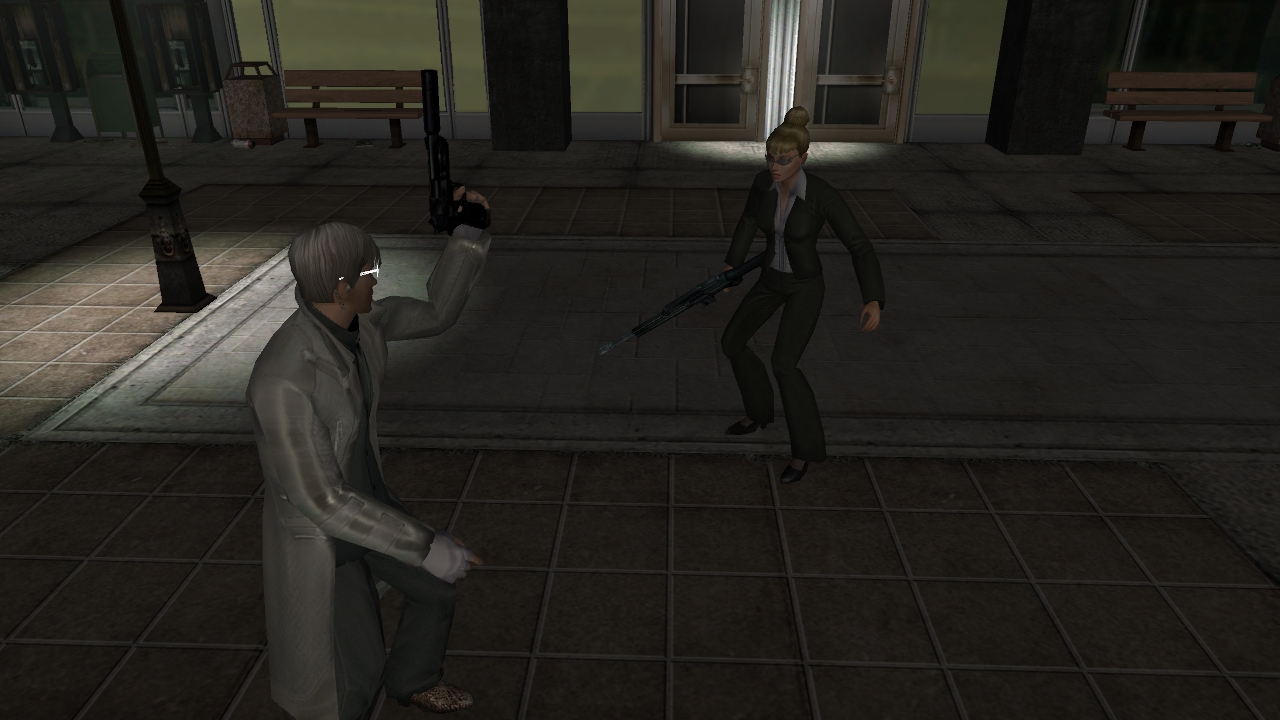
Working on update to The Patch. Soon, you too can have a silenced FM1500.

And code bombs.

#36300560547 05/30/2009 22:00:31 Re:Re:let's meditate about weather, models, and such

Bayamos wrote:

I'm playing around with some update's to Seymour's Patch. Does anyone have any requests for specific weather they'd like to see, or models as disguises/RSI captures that haven't been included, or models they'd like to fight? (I could, say, turn all Choppers except the boss into CSRs or Corruptors you can interlock, or whatever).


Yes I was hoping you could perhaps change Gat Boy (meh) into Pixie Licious

Also, Tisiphone is the only one unused, perhaps Lo Rumnah?  That would be the hawt.

I know you've shown The Grey Marshmallow apparently does exist, I was acually joking about that, but have absolutely no idea what he looks like   Just remember him from the old .xml file with the list of Neighborhood Contacts.

I think Captain Dernick, Zero, Moribel etc. (from the lowest level V2 RSI caps) would be good candidates for others.  Glitch Kitty?  Succubi maybe.  Definately the white-haired Blood Nobles.  Ooh Architect!

If we get them to unlock the Holiday masks that would be brilliant because that would free up about 10 or so of the current models.

If anyone has any other ideas please post them!

EDIT:  Cross-post with Dulux...Forgot about The General.  Agent Grey...is he a unique Agent model?  I don't know if there are unique Agent models.  (I have no memory of what Agent Skinner looked like back in the day).  And yes, Architect FTW.  Oh and speaking of old models, I don't remember if Invalesco was a seperate model from the white haired Blood Nobles.

#36300560554 05/30/2009 22:37:39 Re:let's meditate about weather, models, and such

I'll look into it... easy enough, the issue is just finding enough remaining things to swap, if I use Math's patch as a base.

Anyways just got meatwad working. Bed for now.

#36300560560 05/30/2009 23:03:14 Re:let's meditate about weather, models, and such

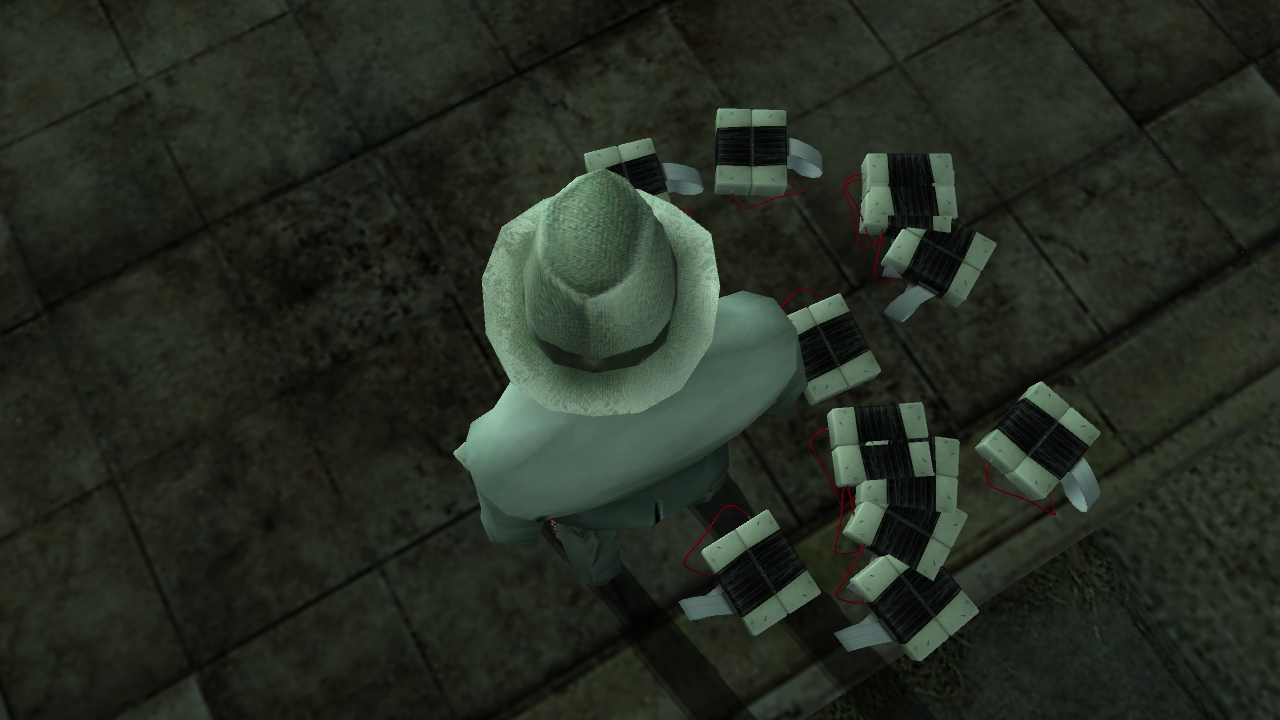
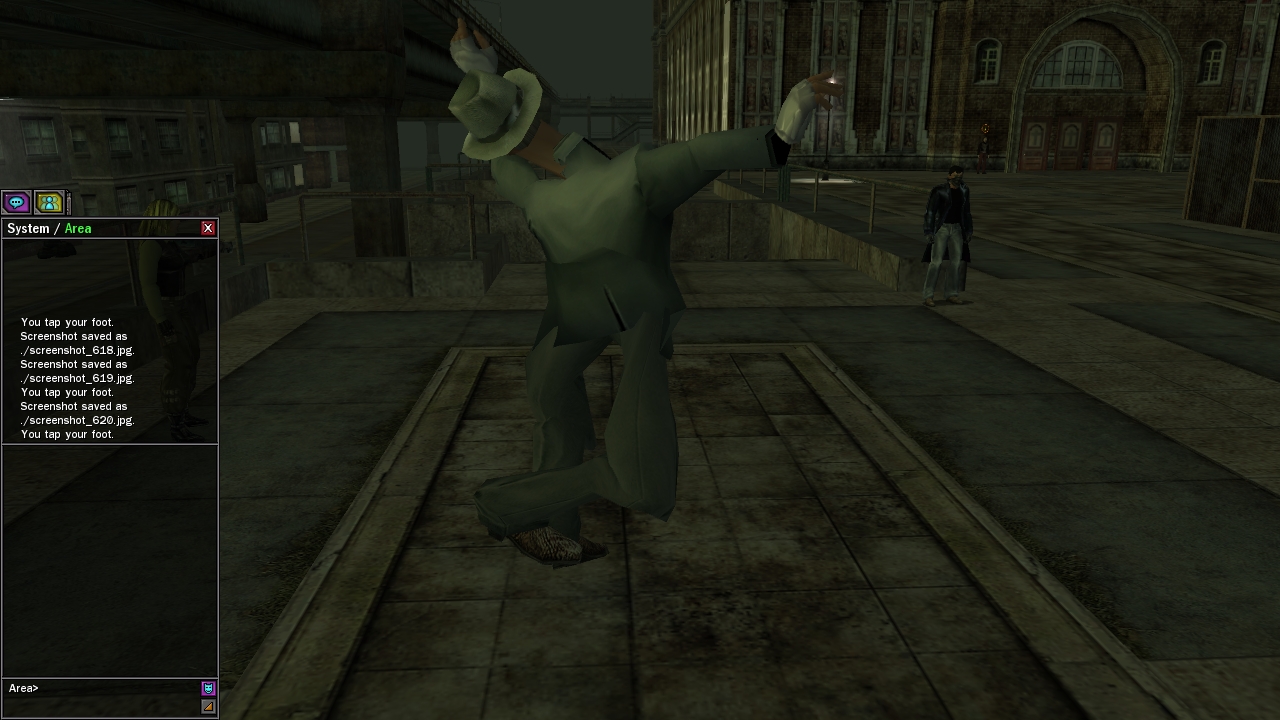
... that must have been one hell of a powerful foot tap... hehe

Thanks again for the hard work Bay and Math.  As long as I've got my Ookami mask I'm happy as far as changes are concerned.. oh, and the cool sky visuals.  SMILEY

#36300560869 05/31/2009 13:45:32 Re:let's meditate about weather, models, and such

Awesome.. Awesome work. Waiting for the updated patch. ^^

#36300560872 05/31/2009 13:53:07 Re:let's meditate about weather, models, and such

You guys are simply phenomenal.

Any way to enable snow?  I'd like to get that back.

#36300560877 05/31/2009 14:02:19 Re:let's meditate about weather, models, and such

I looked and looked and looked... can't find the file in my MXO dir that deals with weather.  help anyone?  do I have to create a userops file or something and put the values in it for the type of sky I want?

#36300560878 05/31/2009 14:02:54 Re:let's meditate about weather, models, and such

Sugaree, I'm working on an update to the patch right now, and plan to turn on snow for International or Downtown in it.

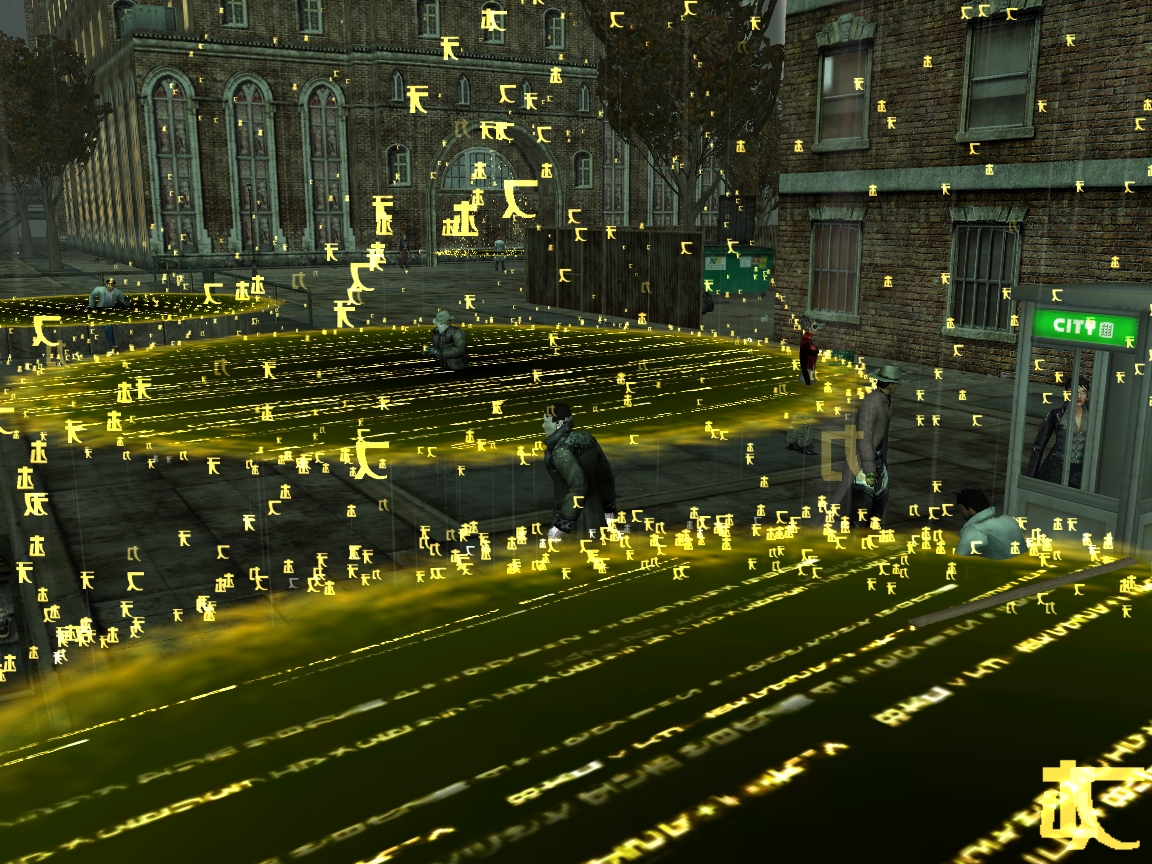
If you just want snow without the patch, Here's the TSEC list: http://bayamos.systematic-chaos.net/TSEC.txt

To turn on snow for say, Richland, goto /resource/final_world/slums_barrens_full.metr, open it in a hex editor. Near the beginning you'll see TSEC on the right hand side. A bit after that you'll see the hex

80 1D D1 00 38

which is the default Richland TSEC. Replace that with your choice of one of these (for different snowfall):

winter1: 80 0C 00 00 DC
winter2: 80 10 00 00 DC
winter3: 80 17 00 00 DC

and save the file, and you'll have snow.

LetsRock, I explained weather in The Guide, you should read that. Long story short, one replaces weather by either editing a TSEC value in a .metr file, or by telling the RezMap to load TSEC A instead of TSEC B.

#36300560881 05/31/2009 14:07:57 Re:Re:let's meditate about weather, models, and such

Bayamos wrote:

Sugaree, I'm working on an update to the patch right now, and plan to turn on snow for International or Downtown in it.

If you just want snow without the patch, Here's the TSEC list: http://bayamos.systematic-chaos.net/TSEC.txt

To turn on snow for say, Richland, goto /resource/final_world/slums_barrens_full.metr, open it in a hex editor. Near the beginning you'll see TSEC on the right hand side. A bit after that you'll see the hex

80 1D D1 00 38

which is the default Richland TSEC. Replace that with your choice of one of these (for different snowfall):

winter1: 80 0C 00 00 DC
winter2: 80 10 00 00 DC
winter3: 80 17 00 00 DC

and save the file, and you'll have snow.

LetsRock, I explained weather in The Guide, you should read that. Long story short, one replaces weather by either editing a TSEC value in a .metr file, or by telling the RezMap to load TSEC A instead of TSEC B.

<3

I'm so in awe of you both.

#36300560914 05/31/2009 15:26:45 Re:let's meditate about weather, models, and such

Ooh I almost forgot:  A zombie model would be very cool!  And a question about that....is it possible to port the zombie animation to something else?  Like you know how the Lupines, Ookami, Tisiphone, Gargy all have that hunched back thing in /mood normal?  So you could have RSI xxx be all twitchy and spastic SMILEY

#36300560918 05/31/2009 15:31:48 Re:let's meditate about weather, models, and such

The operator rsi from the org constructs. Just throwing that out there.

#36300560933 05/31/2009 15:44:54 Re:let's meditate about weather, models, and such

Female sakura mask with two holes for eyes instead of the ninja one?

Female EPN corset worn by female EPN Crusaders?

Female Blood Noble high thigh boots?

and don't forget to make those FM-1500's for female too! SMILEY Else Syn will be a sad panda SMILEY and you and math got me speechless.... Geniouses! Nuff said, thank you for letting the community know these fun things in the end SMILEY

Those code bombs just made Reposco's day SMILEY

#36300560950 05/31/2009 16:16:30 Re:Re:let's meditate about weather, models, and such

Vesuveus wrote:

The operator rsi from the org constructs. Just throwing that out there.

Do you have a picture? I'm having a hard time picturing what you're talking about. No operator in the Mech org area I think.

Villemar_MxO wrote:

Ooh I almost forgot:  A zombie model would be very cool!  And a question about that....is it possible to port the zombie animation to something else?  Like you know how the Lupines, Ookami, Tisiphone, Gargy all have that hunched back thing in /mood normal?  So you could have RSI xxx be all twitchy and spastic

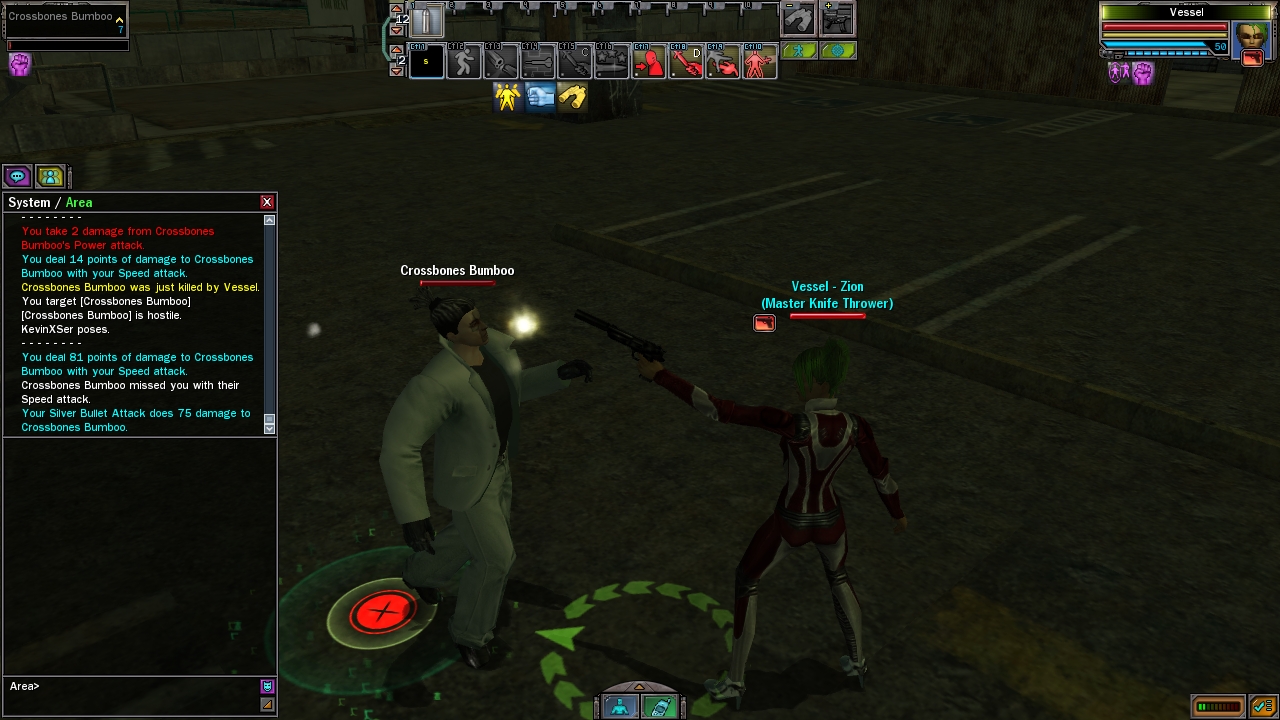
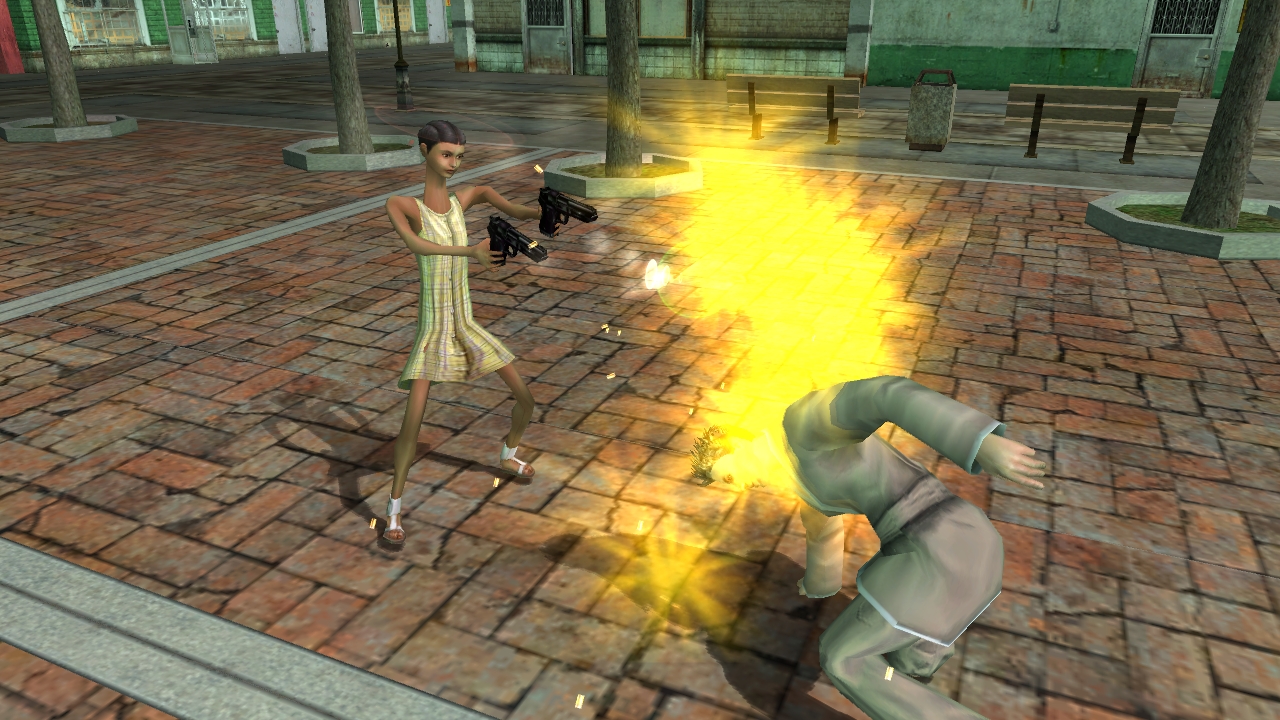
Tisiphone will be a male zombie in the next patch update. I've also replaced the /mood drunk forward-run animation with the zombie run animation. It looks pretty funny with wings on. I'm working on replacing the stand-idle animation, but there a lot of components and it's not playing nice.

Can't take any clothing out of the Guillotines/EPN/Blood Nobles, Synapze, because they're purely compiled moas and there aren't any separate geometry/texture components. Or there are, but, I have no way of knowing which geom/textures they are. You should try cycling through the useropts client-side clothing shell, though; I don't know if those clothing pieces are included in that package. I know a lot of the male unreleased clothing - PB goggles, unrelased shoes, hosh chap pants, blah blah etc. you can put on your char with useropts.

#36300560954 05/31/2009 16:21:06 Re:Re:Re:let's meditate about weather, models, and such

Bayamos wrote:

Tisiphone will be a male zombie in the next patch update. I've also replaced the /mood drunk forward-run animation with the zombie run animation.

Lollers SMILEY

#36300560984 05/31/2009 17:04:27 Re:let's meditate about weather, models, and such

went by the brief instruction to change weather values.. changed the value for fly  sky saved it..  couldn't logon  lol   so I put the values back the way it was and i'm fine now.. umm my Q is: when I'm in the Hex program I just change the values of the blue color numbers or the gray ones. and also  when I see the "TSEC............" string do I change the values where the dots are or change the value for each letter of the word tsec ?  thankx  lol

#36300560993 05/31/2009 17:23:24 Re:let's meditate about weather, models, and such

My hex editor doesn't display stuff in blue, so I don't know.

But, most hex editors have two displays. The box where you SEE the letters "TSEC" is the ASCII display. You do not want to edit that one. You should be able to highlight hex on the OTHER side, and see which letters it corresponds to.

You don't want to edit the periods or the 'TSEC' chars. Use the list of TSEC values to search on the HEX side for the default value, and then put the new one in.

You will see something like this. The ending symbols may be a bit diffferent depending on what file you're editing.

54 53 45 43 04 00 00 00 04 00 00 80 BD 05 00 38 / TSEC.......€½..8

The Euro symbol marks the start of the TSEC, but we want to edit the LEFT hand side. So, we replace default (80 BD 05 00 3SMILEY with say, winter sky (80 0C 00 00 DC) and save.
#36300560997 05/31/2009 17:28:54 Re:Re:let's meditate about weather, models, and such

letsrock wrote:

went by the brief instruction to change weather values.. changed the value for fly  sky saved it..  couldn't logon  lol   so I put the values back the way it was and i'm fine now.. umm my Q is: when I'm in the Hex program I just change the values of the blue color numbers or the gray ones. and also  when I see the "TSEC............" string do I change the values where the dots are or change the value for each letter of the word tsec ?  thankx  lol


Its those weird characters *after* the dots, if I'm doing it right and following the guide correctly.

Now my question in regards to weather strings, which one(s) is the red sky from the kidnapping of Sati?  Also, what are some of these other values I see like:  the no7's, day1-5, cin0102-0401, and massive?  The others look self-explanatory.

Also, why do places like the Loading Area have a TSEC value?  That seems odd.

#36300561001 05/31/2009 17:39:07 Re:let's meditate about weather, models, and such

You answered your own question Ville. When Sati was captured, the "Sati sky" or Sunday went away. So, no7thday. The 3 variants are one with the normal days just without the Sati day, and then the red sky as the event progressed. The cine TSECs are weather settings used in the cinematics. Loading Area might have a TSEC but that's probably just because METR files HAVE to have a tsec. It doesn't have a unique one made for it. Prolly the default? Dunno what massive is.

And yeah Synapze I'm having to go through and check for female compatibility on stuff. Zombies were a pain because I had to swap all the standing/running component animations twice, once for male and female. I'm having to do the same thing with FM, but the FM works with females. Right now I have silenced FM swapped with silver bullet. I'm going to work on swapping an actual gun with the non-silenced FM, but that never really worked when I tried it in the past. Try, try again.

EDIT: Got it!

#36300561014 05/31/2009 18:17:52 Re:let's meditate about weather, models, and such

sweetness, got it to work  In order to be able to see the euro symbol in the hax code all you got to do is change the setting from ASCII to unfiltered then put in your numbers.  doing this type of stuff is a learning curb for me but I find it fun

#36300561380 06/01/2009 07:52:51 Re:let's meditate about weather, models, and such
Swapping out the chapter FX items (code eyes, red eye etc) for code bombs, meat wad, assassin, neo FX's etc would be cool.
#36300561419 06/01/2009 08:49:37 Re:let's meditate about weather, models, and such

You two deserve some kind of insanely awesome ridiculous award.

I can't even freaking stand it, this is so badass.

#36300561449 06/01/2009 09:50:52 Re:let's meditate about weather, models, and such

What about if you used the CD's to install MXO were would i get that file explained in the 1st Para.

#36300561450 06/01/2009 09:53:32 Re:let's meditate about weather, models, and such

It doesn't matter how you installed it the first time. You just need to use Station Launcher to get the packmap_save.lta. (Not reinstall, just delete one of your files and tell station launcher to patch).

#36300562568 06/03/2009 00:20:45 Re:let's meditate about weather, models, and such

I can't find the d3d.dll file to replace it with the one in the rar file. Where is it?

#36300562573 06/03/2009 00:38:40 Re:let's meditate about weather, models, and such

Using the blueksy weather in Int'l, I noticed in Ikebura at the docks the water is still stagnant green.  That made me remember that during the Blue Sky event the water was a deep blue.  Is there a way to chance the color of the water to that deep blue? 

Edit:  Or any other color for that matter!  (Although I know there was that blue model for sure).

#36300562611 06/03/2009 03:15:07 Re:Re:let's meditate about weather, models, and such

Bayamos wrote:

Sugaree, I'm working on an update to the patch right now, and plan to turn on snow for International or Downtown in it.

If you just want snow without the patch, Here's the TSEC list: http://bayamos.systematic-chaos.net/TSEC.txt

To turn on snow for say, Richland, goto /resource/final_world/slums_barrens_full.metr, open it in a hex editor. Near the beginning you'll see TSEC on the right hand side. A bit after that you'll see the hex

80 1D D1 00 38

which is the default Richland TSEC. Replace that with your choice of one of these (for different snowfall):

winter1: 80 0C 00 00 DC
winter2: 80 10 00 00 DC
winter3: 80 17 00 00 DC

and save the file, and you'll have snow.

LetsRock, I explained weather in The Guide, you should read that. Long story short, one replaces weather by either editing a TSEC value in a .metr file, or by telling the RezMap to load TSEC A instead of TSEC B.

I followed this, but everytime I updated the slums, i have to change persmisons (not that that is important as I set them back ) SOE laucher seems to think it needs to update and and writes over everything but I cant get into the game just by using laucher.exe.

#36300562658 06/03/2009 05:40:54 Re:let's meditate about weather, models, and such

The regular game launcher only uses a bitlength checksum, whereas Station Launcher actually checks the file contents when you launch. So to play with the patch you need to start MXO from the regular launcher. Why can't you get ingame using launcher.exe? SMILEY

#36300562690 06/03/2009 07:15:48 Re:Re:let's meditate about weather, models, and such

Bayamos wrote:

The regular game launcher only uses a bitlength checksum, whereas Station Launcher actually checks the file contents when you launch. So to play with the patch you need to start MXO from the regular launcher. Why can't you get ingame using launcher.exe?

Says it needs to write to matrix.exe but there is no matrix.exe SMILEY

I got my CDs though, so maybe reinstall using that and using the laucher to patch will work.

#36300565593 06/08/2009 21:56:13 Re:Re:let's meditate about weather, models, and such

Bayamos wrote:

Textures are custom file format so not really, no.


hmm... what's the file extensions on these texture file format?

#36300565664 06/09/2009 07:06:24 Re:Re:Re:let's meditate about weather, models, and such

mantra777 wrote:

Bayamos wrote:

Textures are custom file format so not really, no.


hmm... what's the file extensions on these texture file format?

  Extension is  ".txa"

#36300565683 06/09/2009 08:29:59 Re:let's meditate about weather, models, and such

There are also a few .tga, which could conceivably be extracted just fine. Not many, though.

I did a fair amount of playing around with txas over the past few years and feel that it's actually a custom file format, rather than the "make it a ZIP and then change the header bits a bit and call it a LTB" scheme. It could use some standard process or whatever but I haven't really explored the graphics side of programming much. The TXAs as they are though are unopenable with everything I've tried, including old released LithTech tools.

#36300565700 06/09/2009 09:57:31 Re:let's meditate about weather, models, and such

Okay so i tried to give this a bash, but it seems to be failing miserably as i have no idea what i am doing.

Anywho i'm basically just trying to switch one RSI capture for another. I go into RAM using the extras tab on HXD and choose Matrix.exe and then search for the RezID which it gives me a few of if i keep scrolling, but none of them seem to be near my name like the guide says (presuming my name is my characters name) and anytime i have tried switching the RezID's nothing happens, with the exception of the icon's turning white a few times.

Anyone tell me what i'm doing wrong?

#36300565701 06/09/2009 10:17:03 Re:let's meditate about weather, models, and such

Easier and only needs to be done once with the rezmap method, I hate the RAM way. Sorry I haven't made your file yet, the past few days have kind of been overwhelming. I'll keep this tab open to remind myself to do it today.

#36300565853 06/10/2009 08:35:05 Re:let's meditate about weather, models, and such

Thank you for revealing these secret, hope to see some of those effects i have never seen before at last.

#36300565920 06/10/2009 14:08:20 Re:let's meditate about weather, models, and such

I've settled upon my sky settings for the three districts:   Richland/Westview uses Ashencourte sky, International uses the lightest of the Blue Sky Settings, and I use the Sakura sky in Downtown.   As cool as the red sky with eyes in the sky is, I really like as much visibility as possible.  SMILEY

#36300565979 06/10/2009 16:07:27 Re:Re:let's meditate about weather, models, and such

Villemar_MxO wrote:

I've settled upon my sky settings for the three districts:   Richland/Westview uses Ashencourte sky, International uses the lightest of the Blue Sky Settings, and I use the Sakura sky in Downtown.   As cool as the red sky with eyes in the sky is, I really like as much visibility as possible. 

I can't decide on mine hehe  Too many nice skies, but not enough districts to house them all.  SMILEY  I've currently got International as Halloween, Richland as Sakura and Downtown as the darkest of the Blue Skys.

.. and I think I'm getting somewhere in the item swaps I wanted to do.. sort of.  I've managed to completely remove the texture off the baseball cap items, or so it appears.  I'm guessing I'm just using the wrong wing and earpiece .mga and .txas in my swaps as they both appear at least a couple of times in the rezlist.  *shrug*

#36300565984 06/10/2009 16:42:06 Re:Re:Re:let's meditate about weather, models, and such

Shinryu wrote:

Villemar_MxO wrote:

I've settled upon my sky settings for the three districts:   Richland/Westview uses Ashencourte sky, International uses the lightest of the Blue Sky Settings, and I use the Sakura sky in Downtown.   As cool as the red sky with eyes in the sky is, I really like as much visibility as possible. 

I can't decide on mine hehe  Too many nice skies, but not enough districts to house them all.    I've currently got International as Halloween, Richland as Sakura and Downtown as the darkest of the Blue Skys.

.. and I think I'm getting somewhere in the item swaps I wanted to do.. sort of.  I've managed to completely remove the texture off the baseball cap items, or so it appears.  I'm guessing I'm just using the wrong wing and earpiece .mga and .txas in my swaps as they both appear at least a couple of times in the rezlist.  *shrug*

If I can actually figure out the item swapping and fx stuff (which I dont know if I'm even capable of), I might actually try to make a "Patch Lite" where instead of changing cool items into other cool items, I'd make crappy items that no one wears that can be bought into the vendor into the good items....like knit beanie into wings, whatever crappy cheap shades into Walker's Goggles, Steen Basher gloves into beta gloves, etc.  I miss my Area K and Void Shades SMILEY  And if I really figure this stuff I might even tackle the FX....like again moving the visually crazy FX over to obscure emotes so I don't get a headache in my eye when watching mass mayhem in Mara for example SMILEY

I actually think theres a chance that the Holiday Masks will be unlocked...if that's the case I'd definately want to free up the rsi caps that mirror halloween costumes.  I'd move the disguise ones over to the freed up models....reason being is I don't use the disguise ability much, plus its temporary.  And there might be other cool rsi's that we might have missed.