341 posts · 2006-03-02 14:03:09 to 2009-05-29 14:43:01
ShowTitleInName = 1
Did you ever find out what the lowest number that will blend without fading away is...?- Void
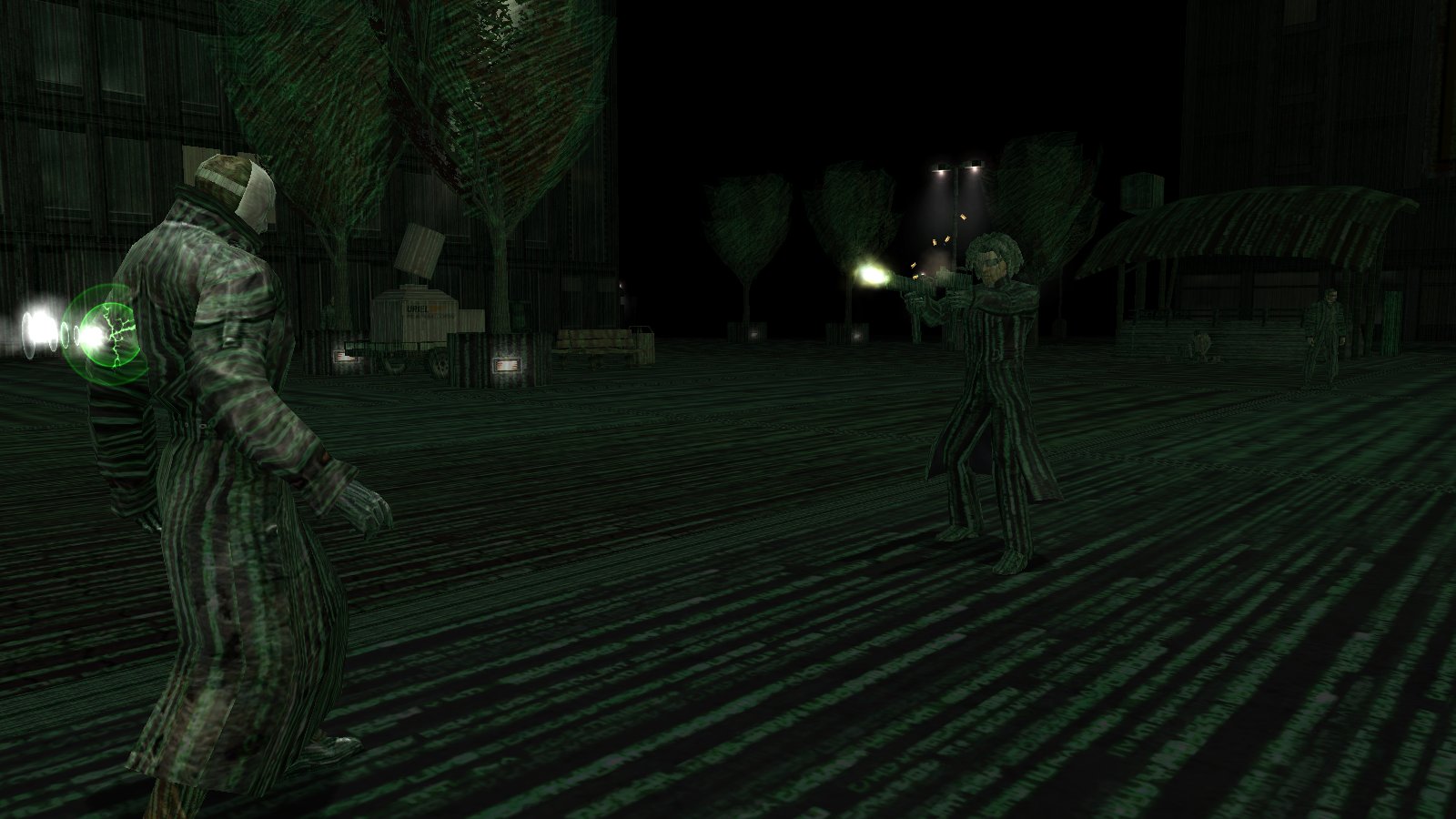
you mean something like this?
Do you have a picture of that?
LtCmdr_Tsusai wrote:
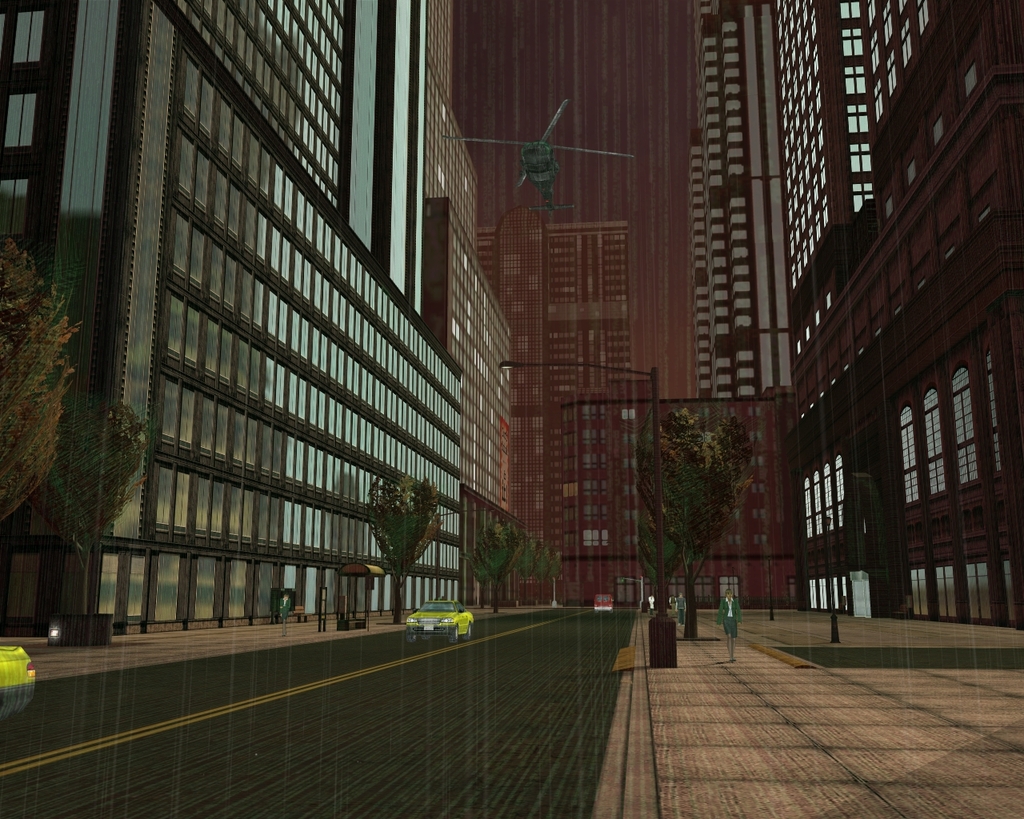
I'm interested in seeing the old red sky version of red code back...the one where its mostly green, but had trails of red code in it.
That's not a change in the scrolling code; That's the change in lighting thanks to the red sky. Some of the green code is slightly transparent and whatever color the sky/sunlight/moonlight is will show through the green. Same happened during the blue sky event.
GodTier wrote:
LtCmdr_Tsusai wrote:
I'm interested in seeing the old red sky version of red code back...the one where its mostly green, but had trails of red code in it.That's not a change in the scrolling code; That's the change in lighting thanks to the red sky. Some of the green code is slightly transparent and whatever color the sky/sunlight/moonlight is will show through the green. Same happened during the blue sky event.
Boooo
For Bayamos: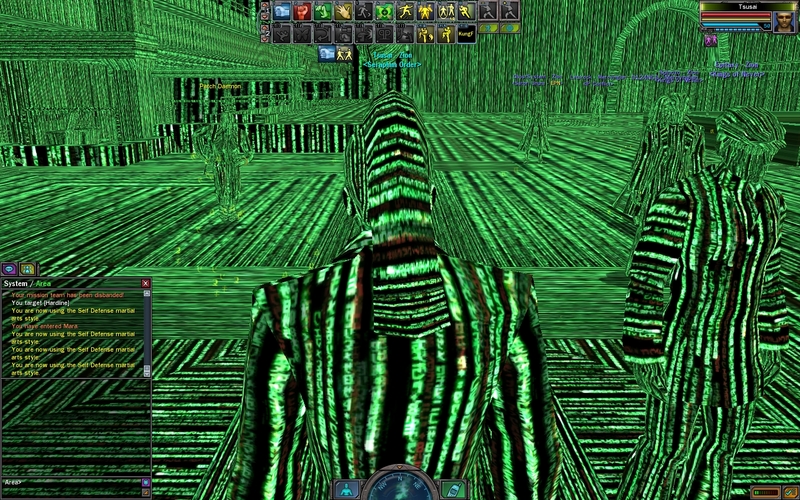
mantra777 wrote:
you mean something like this?
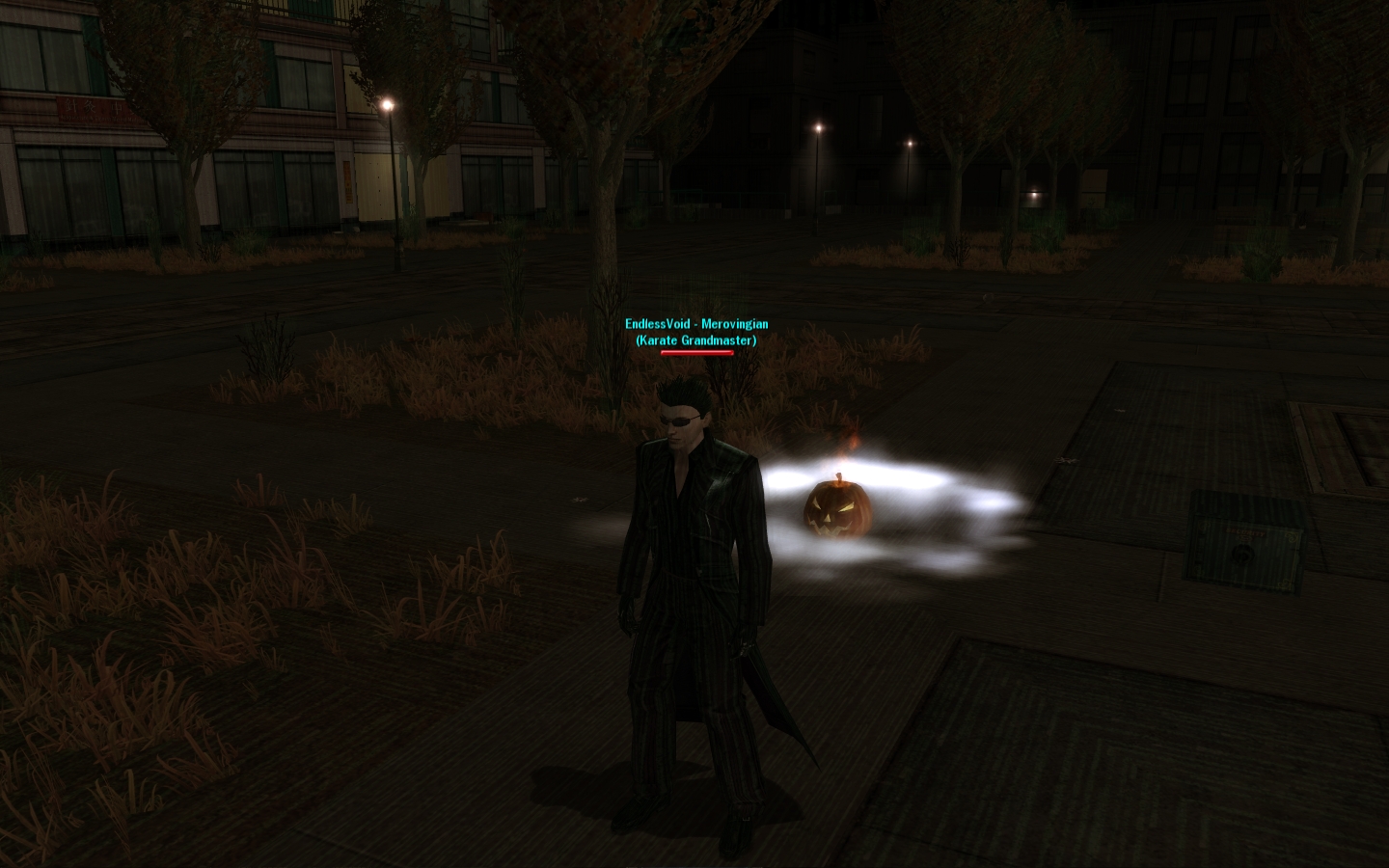
Yes. Mine's a lot more... code than that. And I'd prefer the effect to be very subtle.
What setting is that?
- Void
EndlessVoid wrote:
mantra777 wrote:
you mean something like this?
Yes. Mine's a lot more... code than that. And I'd prefer the effect to be very subtle.
What setting is that?
- Void
What do you men by the Effect being subtle?
here's what I got so far tho i'm sure i can tweak it some more to your liking.
Tsusai, while I'm red-green colorblind, Riac tells me there is indeed red in your pic  . I did some digging and it looks like there's only really the normal green Matrix view to different mipmaps, and the pure red one that happened around the Sati-kidnap era. I'd say GodTier's assessment of how the semi-green/red code was appearing is right.
Hah! Got it. Awesome.
Also, how dare you, sir. You are NOT allowed to be colorblind and be as good at art as you are.
(Do you just know the relative hex codes for various kinds of red and green? I mean, how do you work with the screen filter colors and stuff?)
- Void
The most common version is "weakness" on red or green wavelengths. I can see something is "red" and something is "green," but faded violet may look blue, very light green and yellow are indistinguishable, etc. All it means is that I need a stronger amount of red or green in a hue to see any red/green in it at, where someone else would notice r/g a lot sooner. Tsusai's picture is pure green to me.
Anyways, what setting are you using there... 0.1? That's pretty cool looking.
@thread, Here's one "red matrix code," free of charge. I posted similar variants of this useropt a long while back, and no-one ever had a problem with it. I hope that continues, because the effects you can achieve are really neat.
WR_MatrixView_Tex_RezID = 0x040005DE # matrix_view_red
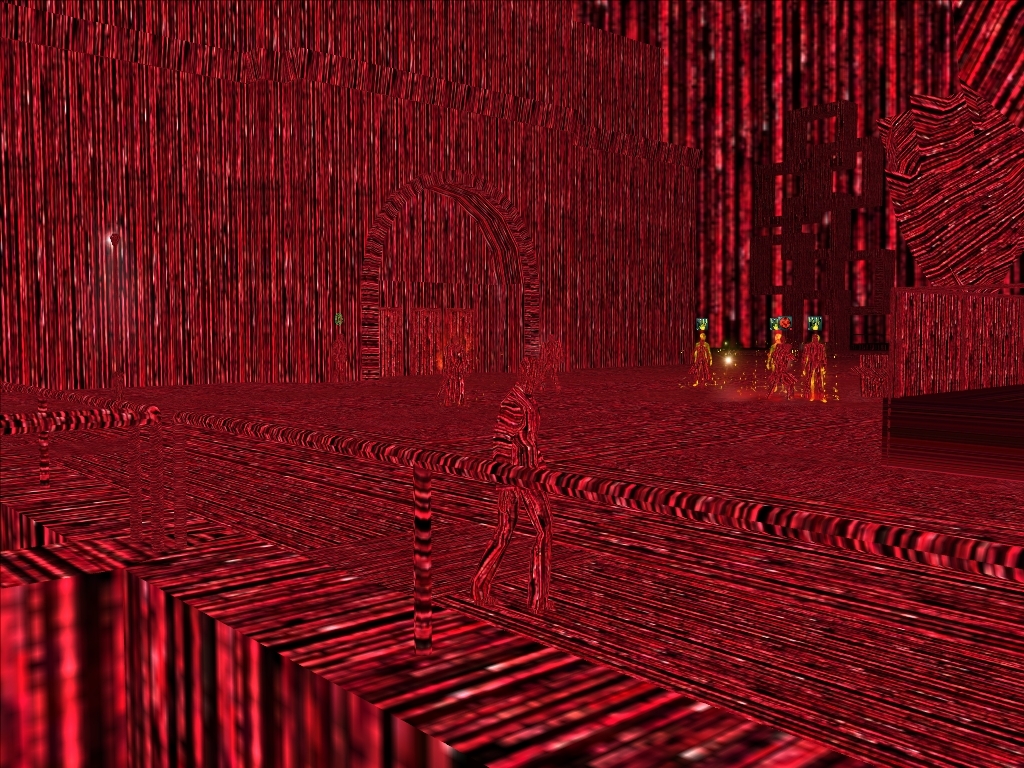
As always, this should apply to the regular log-in code. You should also be able to do this deal, so on and so forth:
WR_MatrixView_ForceOn = 1
WR_MatrixView_ForceOn_Blend = .9 # Renders Player in non-MatrixView
It's .95 actually.
I originally tried .99, but nothing showed up. So I guess if you want to turn you loading code off entirely, that's another way to do it.
- Void
Hmm.. that red code effect is very cool. That's one effect I think I may have to try.
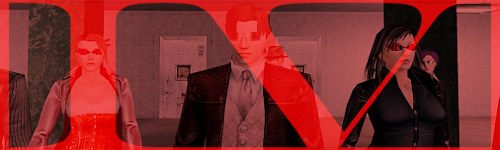
Been almost 3 years now, and the thread was a mess. Edited the original post which was just a dump of some commands, with an overview and index so hopefully new players have a more organized resource at their disposal.
So, I'm taking it the red code is actually referencing the texture of the headless glasses somewhere in the game code, since when trying to tamper with the hex values to acquire some sort of blue code, I managed to get a wall of t-shirts that said "BLISS."
I currently use some number that references what's probably a black rubber half shirt and makes the entire city mostly black. It looks pretty cool.
That's right. RezIDs/resource ids are basically pointers for a MXO object system - not GoIDs, game objects, .metr files, TSEC, and the like, but pointing to textures, models, animations, sounds...
0x040005DE # "resource/characters/shared/textures/RS/rs_matrix_view_red.txa"
The female and male Headless Glasses textures are " "DF, " "E0, respectively, so this is probably a base of sorts for the glasses.
... Meh, why not.
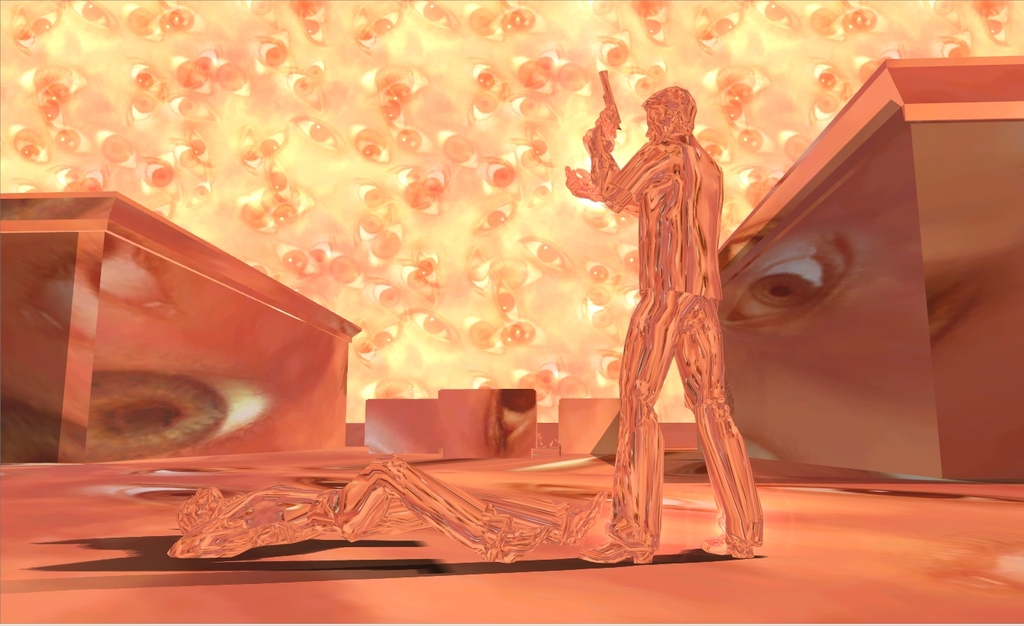
0x4C000B68 # "resource/environment/skybox/cloud_many_eyes_texture.txa"
Bayamos wrote:
O M F G
Ah... memories. Nice find, man.
Not sure if this is what the last tip was supposed to cover or not as the whole picture seems to be covered in the "eyes" texture, but is there a way to change just the sky to one of the alternate versions? (red/orange sky, one of the variety of Blue Sky skies, etc)?
Not possible with useropts.
Bayamos wrote:
Not possible with useropts.
Yeah, that's what I was thinking as I'm sure it would have been mentioned already if it was doable. 
Cadsuane wrote:
Bayamos wrote:
O M F G
QFT
mantra777 wrote:
EndlessVoid wrote:Did you ever find out what the lowest number that will blend without fading away is...?- Void
you mean something like this?
is there a seting to permanitly keep it like that?
nubious81 wrote:
mantra777 wrote:
EndlessVoid wrote:Did you ever find out what the lowest number that will blend without fading away is...?- Void
you mean something like this?
is there a seting to permanitly keep it like that?
I think its this command here
WR_MatrixView_ForceOn = 1
What Kybutra said, plus WR_MatrixView_ForceOn_Blend = 0.9 or something like that.
I tried the following:
WR_MatrixView_ForceOn = 1
WR_MatrixView_ForceOn_Blend = .1
Instead of the very faint code left perpetually, like in the screenshot above, I get the normal full code you get from jacking in and it never goes away.
Any help?
Try .9 instead of .1. I believe the blend number has more to do with the amount of textures you see, rather than the amount of code.
I use .95 and can just barely see the code.
- Void
EndlessVoid wrote:
Try .9 instead of .1. I believe the blend number has more to do with the amount of textures you see, rather than the amount of code.
I use .95 and can just barely see the code.
- Void
Thanks, .9 works very well.
I tried the code to turn choppers off but it doesn't seem to have worked. Can you confirm if the code still works?
Bayamos wrote:
What Kybutra said, plus WR_MatrixView_ForceOn_Blend = 0.9 or something like that.
I'm running with the following now, I might bump it up to .97 or .98
WR_MatrixView_Tex_RezID = 0x040005DE # matrix_view_red
WR_MatrixView_ForceOn = 1
WR_MatrixView_ForceOn_Blend = .96
The results are quite interesting. I can't really see the code anywhere, but on myself since I'm wearing red. I might as well be wearing an animated shirt/pants/jacket at this point. I'll continue to fine tune it to my liking.
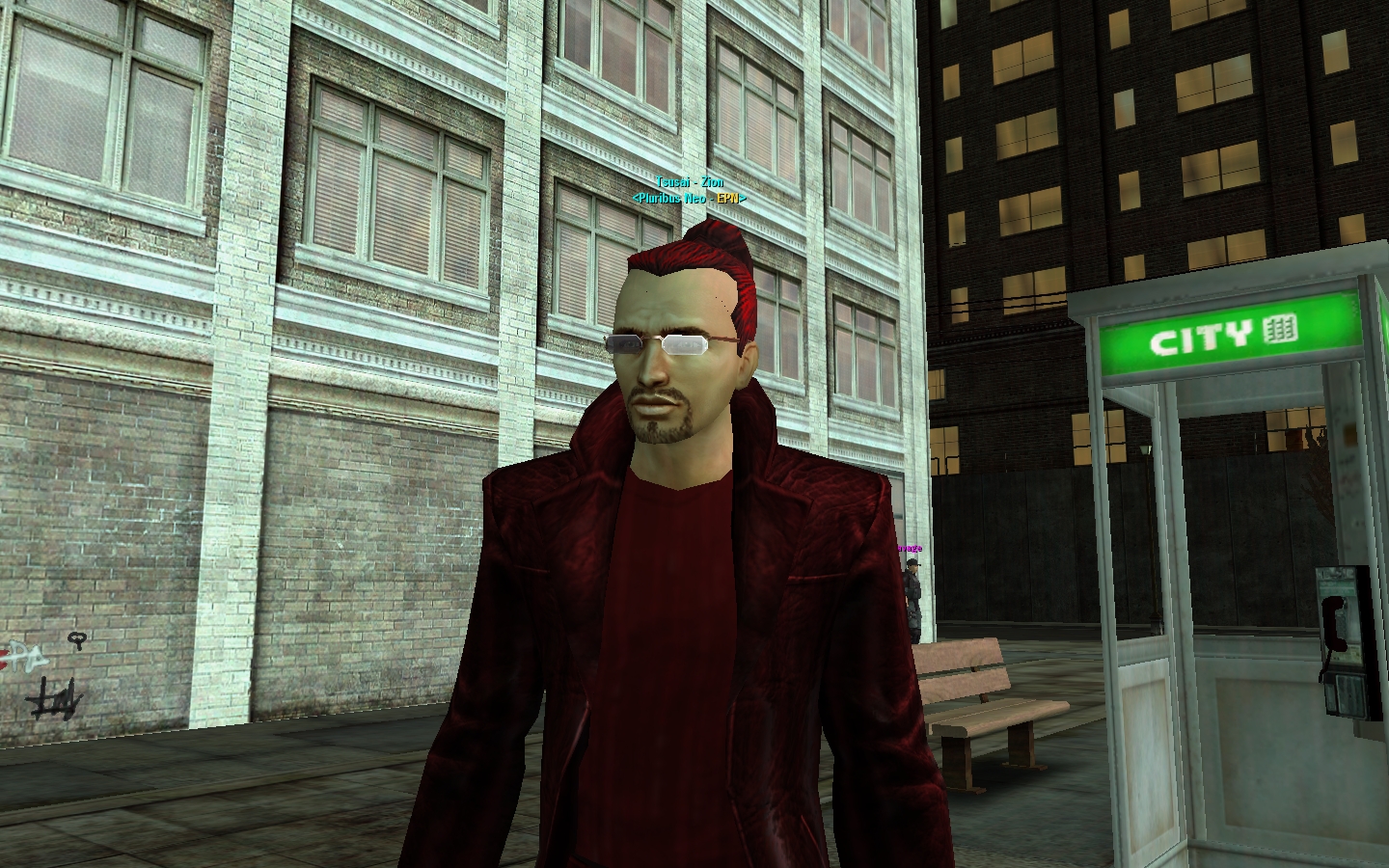
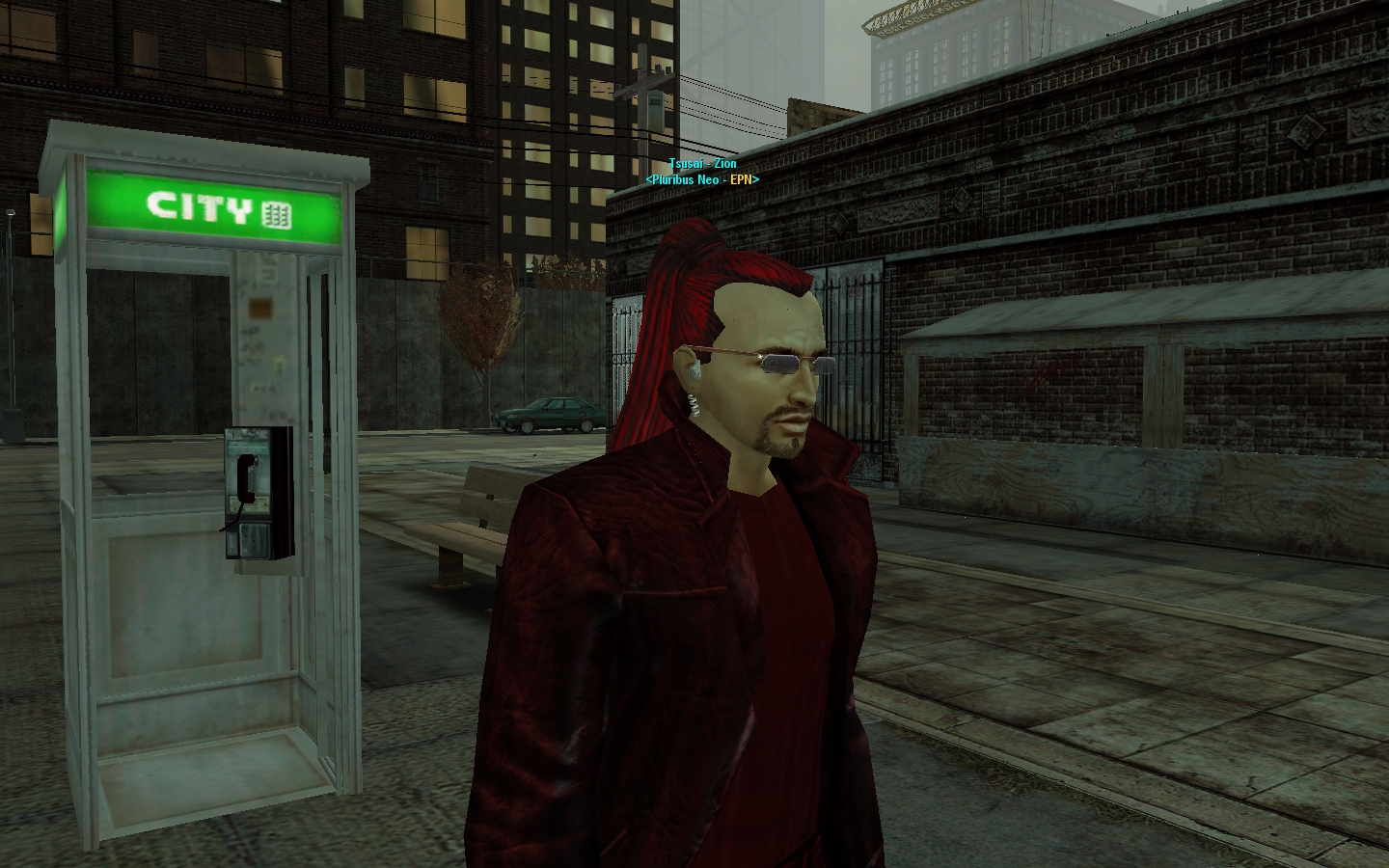
Here's what I am running with normally now:
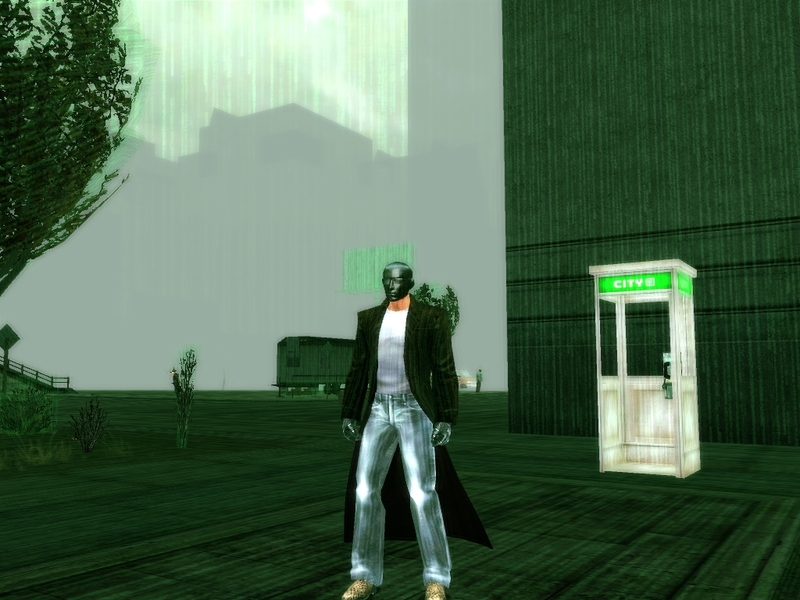
ModelLighting_AmbAdd_R = 50
ModelLighting_AmbAdd_G = 50
ModelLighting_AmbAdd_B = 50
AntiAlias_Level = 6
AntiAliasFSOverSample = 12
AntiAliasFSQuality = 12
ScreenShot_JPG_Quality = 100
ScreenFilters_GreenShift_Color_1_R = 0
ScreenFilters_GreenShift_Color_1_G = 10
ScreenFilters_GreenShift_Color_1_B = 0
ScreenFilters_GreenShift_Color_0_R = 0
ScreenFilters_GreenShift_Color_0_G = 10
ScreenFilters_GreenShift_Color_0_B = 0
WR_MatrixView_ForceOn = 1
WR_MatrixView_ForceOn_Blend = .9
The green tint seems to be alright, not too sure on that yet. I'll have to use it for a bit.
By the way, what exactly is HackView?
This is HackView. It appears on the Uriah NPCs I think.
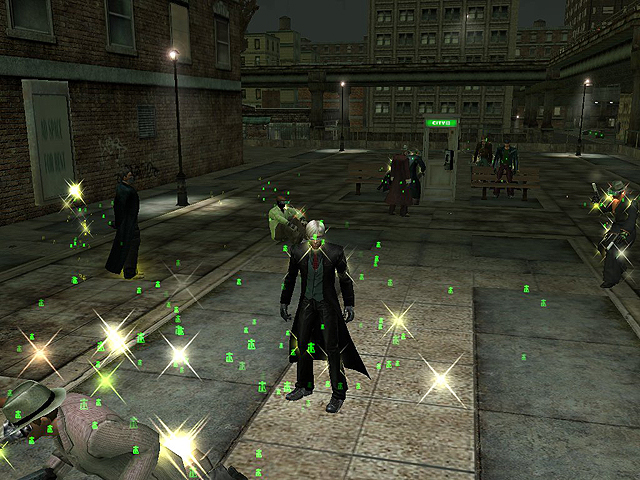
How did you do that?
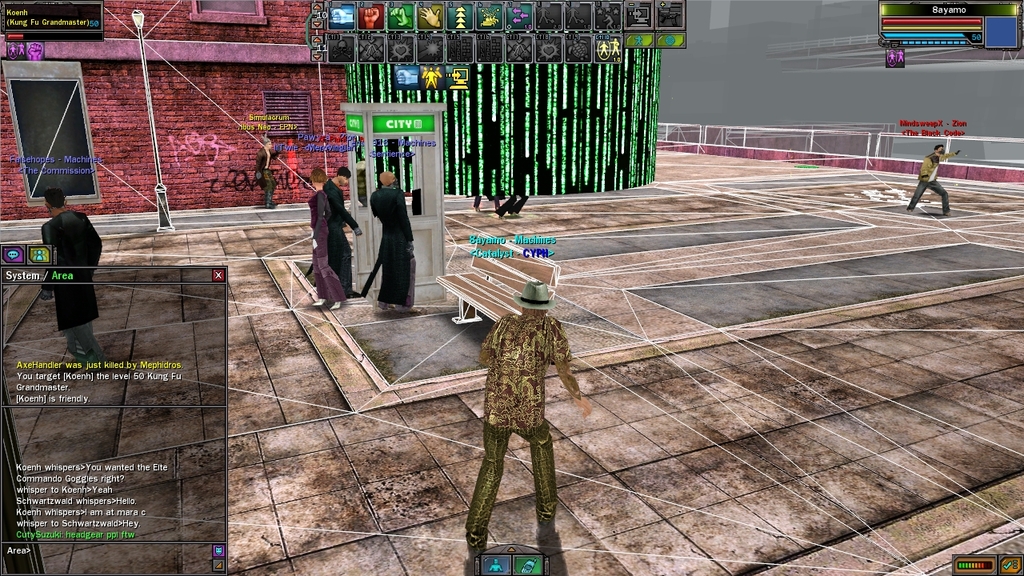
Comment out the useropts clearing MatrixView if you have them.
WR_MatrixView_ForceOn = 1
WR_MatrixView_RS_RezID = 0x0200001A # "resource/characters/shared/renderstyles/rs_wireframe.rsa"
WR_MatrixView_ForceOn_Blend = .9
This and much more to come in "The Guide" later today. There'll be a useropts section.