It's been almost three years since I originally posted this topic. It's time to, at the least, organize this thread somewhat, to provide the structure that's been lacking as well as to give a sort of overview for new players. Okay.
What are useropts? Essentially, they are state variables that modify how your game runs, which you define in a text file in your game's installation folder (typically C:\Program Files\Monolith Productions\The Matrix Online\useropts.cfg). Two notes about this file: It does not exist at first. To use useropts, you must create it. Second, don't let the "CFG" extension fool you. It is essentially a .txt file, just renamed as CFG. Lots of things are possible with useropts. You can modify your graphics to make them crisp and sparkly, or on lower end machines you can push the client to run as efficiently as possible. Basic UI modifications, defining camera and effects behavior, customizing how you see the world, and all sorts of things.
The number of useropts has always relatively remained the same, but apart from a choice few parameters given to players through autoexec.cfg, options.cfg, or Rarebit's posts, most remained unknown. I did a bit of exploration back in the day and found a slew of commands. I've released some of them, and am glad to see that many of the things posted in this thread have caught on and benefited the community's MXO experience... such as the now near-universal GreenTint RGB tweak, HackView, ShowTitleInName, et cetera.
Note: Not _all_ the parameters listed in this thread work. For a lot of the primary, very very old posts, I was just finding these settings, and had not tested many yet. Regardless, the settings exist, so I list. Some settings, like say, ones that would change the texture of weather particles (it's snowing FM-1500s?) are set to admin-only. Normal clients cannot use them. Player feedback should be a decent indicator of if something works or not, unless the command in question is some obscure setting, like the chat system's max buffer size before flush.
For those new to useropts, here is a starter useropts file with basic options. All but the first two lines are disabled. Remove the # in front of a command to turn it on. The procedure for using useropts (at basic levels, anyhow), is to set up your useropts file as you want it, save it, and then open the MXO client. With this method, you cannot change useropts settings while you are ingame. Try not to modify your advanced video options when ingame - some useropts will be modified by the automatic load of options.cfg (or the auto_#_#) settings, so you may need to relog to get your settings back. Play around with it and see what results modifying the parameters yield, then have fun testing all sorts of options 
http://bayamos.systematic-chaos.net...ts/useropts.cfg
---
INDEX:
- Various settings for the cursor and camera
- More camera, screen filters (tints, glow), and weather modification.
- Turn off Helicopters
- Example: Spam leaflets, HackView, red ModelLighting
- HOWTO: Spam, HackView, ModelLighting
- Grass Settings
- RichWorld (cars, helis, pedestrians, pigeons) overrides
- EnvMap reflection (shiny surfaces), ScreenGlow aka OverBright
- Perpetual Bullet Time
- Turn off Intro movies. Graphics distance, matrixview, AA
- Lowering Graphics. DayLength.
- Void's Crowded City Mode
- Trax's Dark City
- First Person screenies
- Why doesn't my HackView work? (FAQ)
- Realtime Weather
- Fast moving clouds
- ModelLighting (plus ScreenFilters)
- ModelLighting example
- Rain/Weather (most don't work)
- Phi's fog settings
- EnterTheFenix enjoys blue ScreenFilter/ModelLighting
- Phi's personal config
- Object Far distance (first person, or RSI isolation)
- MatrixView advanced
- Turn off Crash Reporter
- Cursor PathTo (autowalk)
- Extra Contrast, Show All Health Bars
- OverBright
- ShowTitleInName (displays loadout under faction tag)
- Red Matrix Code
- Eyes in the sky
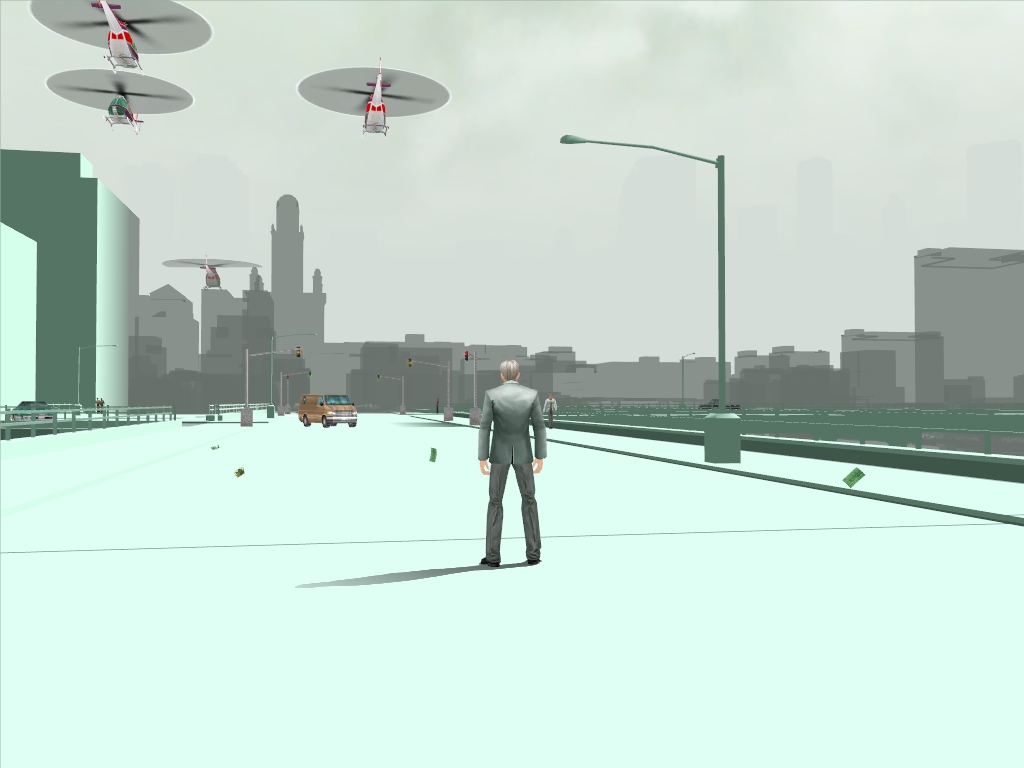
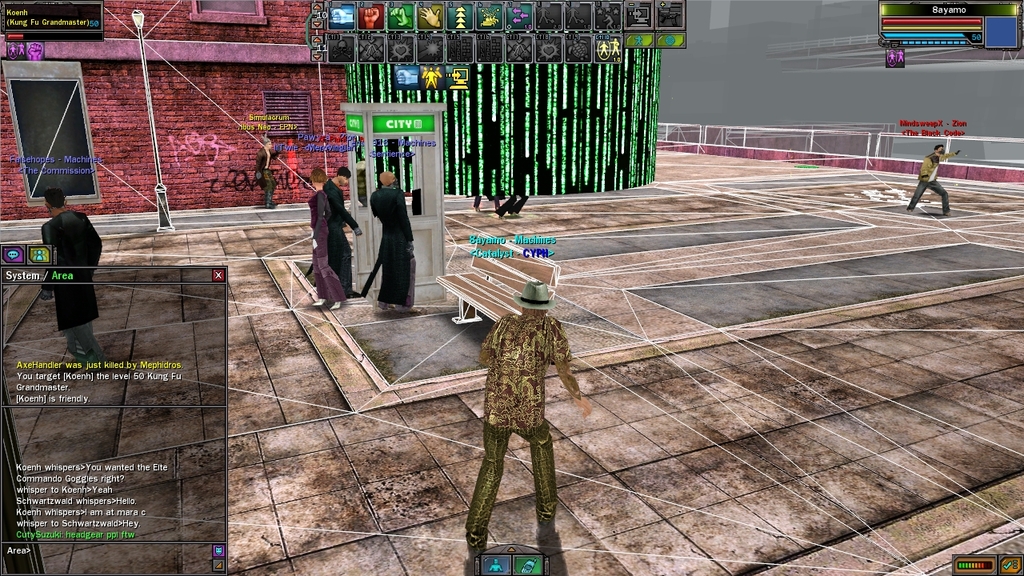
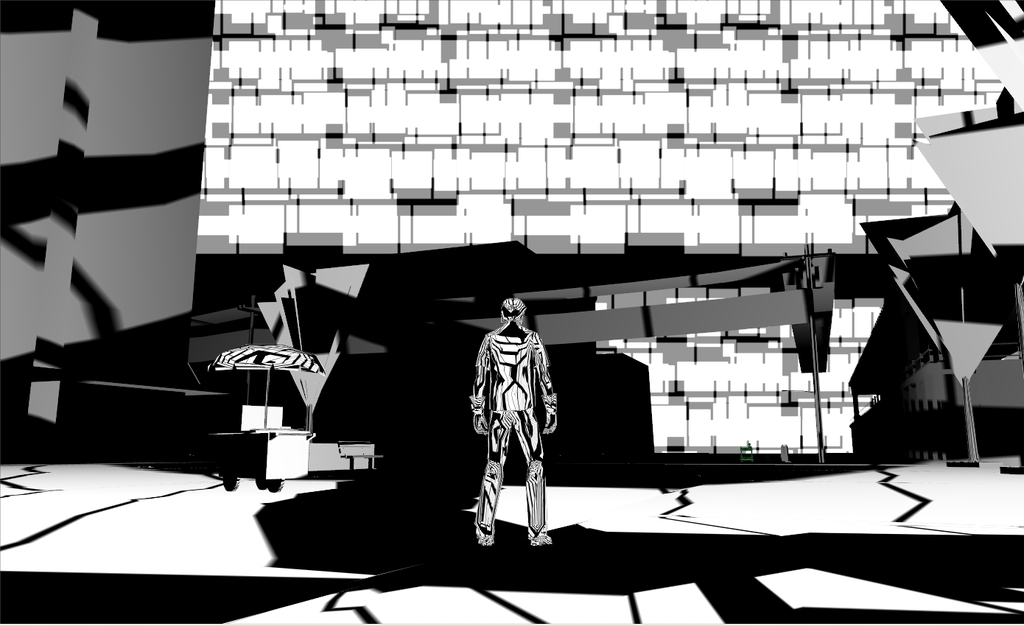
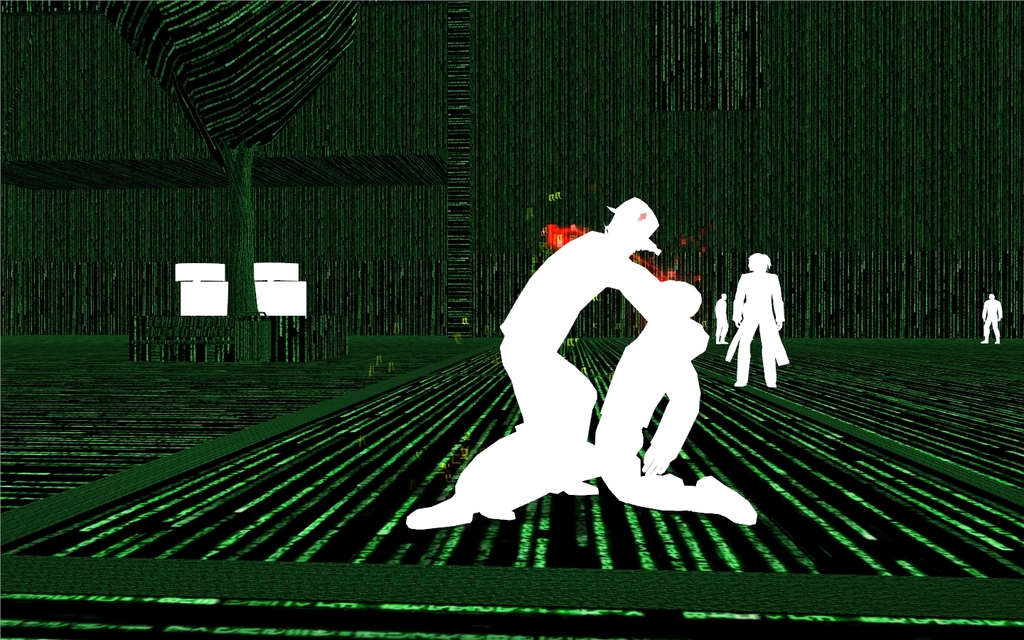
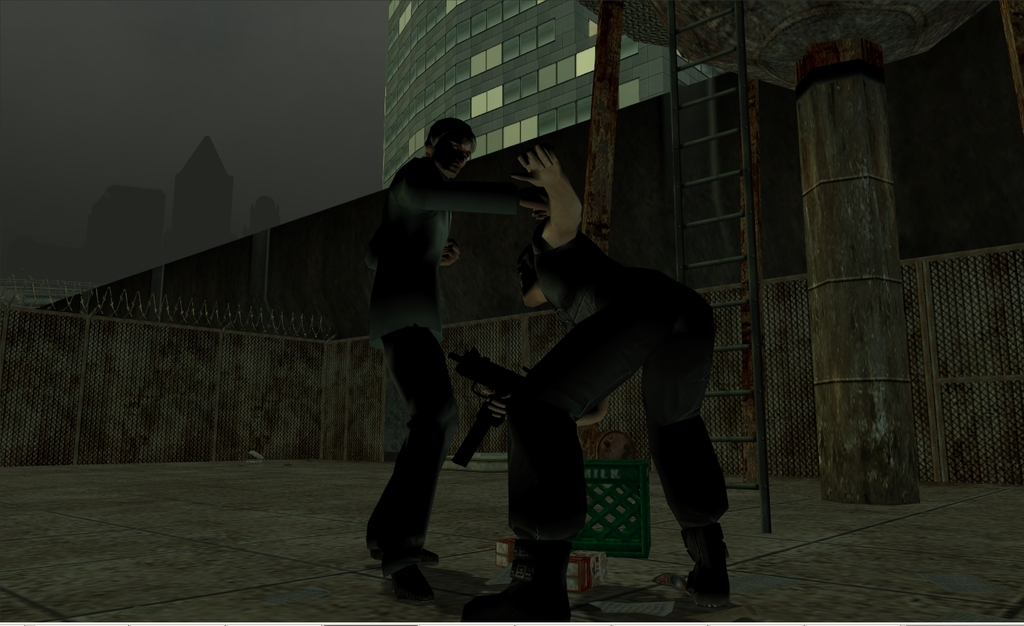
A few examples of my useropts configs in action, to demonstrate how wide open the possibilities are.
- Bayamos