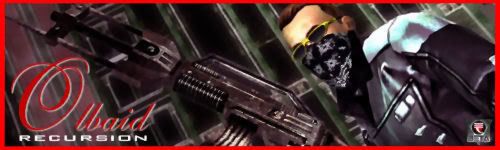
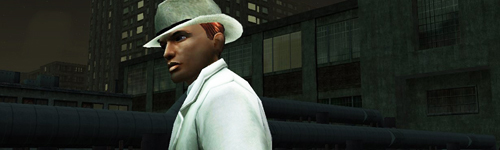
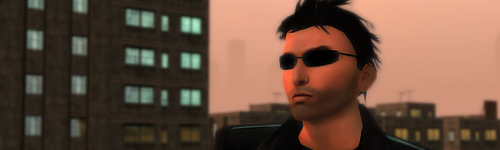
How To Take a Good Screenshot

16 posts · 2006-03-14 02:02:46 to 2006-03-15 09:41:00

#11400014568 03/14/2006 02:02:46 How To Take a Good Screenshot
Ok well, i feel some people may benifit from this, where to others this is 2nd nature...
But having a good screenshot to work with is the essence of making a good image/graphic/sig...so I hope this small guide serves some purpose SMILEY
Firstly we need to make sure our settings are right for talking the screenshot, now this is without effects...
Im going noob mobde on this, just incase some people werent sure
Firstly bottom right click on the tick box you see, then select options...
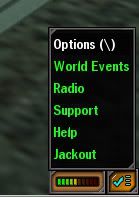
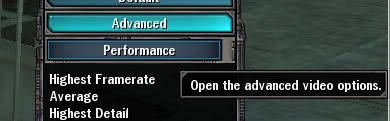
Next Video Tab, select Advanced
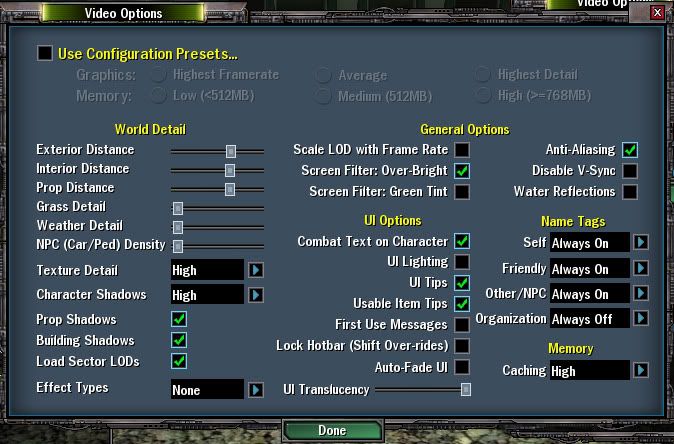
Now this is how i generally set up, you can untick, screen filter: overbright, if your system resources cant handle it or if you dont want it on in the first place. As shown effect types is set to none... so they dont get in the way... though is regain, hit damage and player select ground icon are still shown...
Now when taking the shot, you need to remove your RSI, the name tags, and the User Interface, this will result in best shot, now first what I do is load stealth.... then as follows....
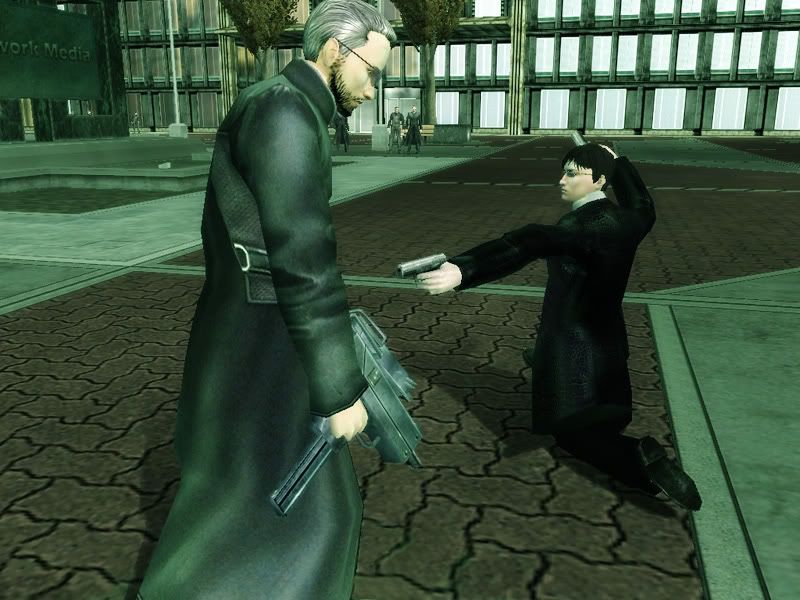
As you see stealth is loaded, now this screen you see everything... here im trying to get a shot of the HL
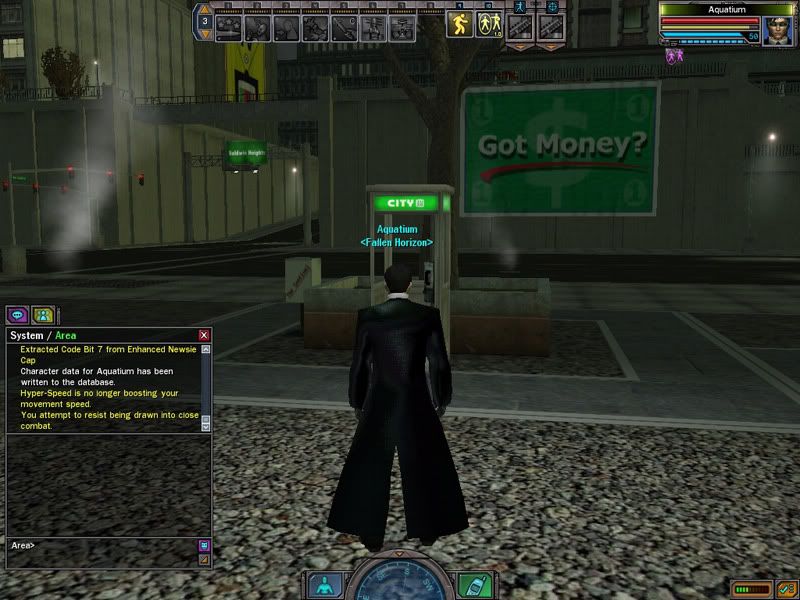
Now press Ctrl +U = remove user interface, then Ctrl + I = remove name tags, this is now our screenshot, im still in the way SMILEY
Stealth up... now im still visible, though only slightly, but i still need a good shot of the HL on its own...
The trick here is to face the opposite direction of the shot you want... as shown im now facing the opposite way, but have the camera face into me... towards the HL
Now simple Zoom in, and you will pan past your RSI and now you have the screen shot, without anything in the way....
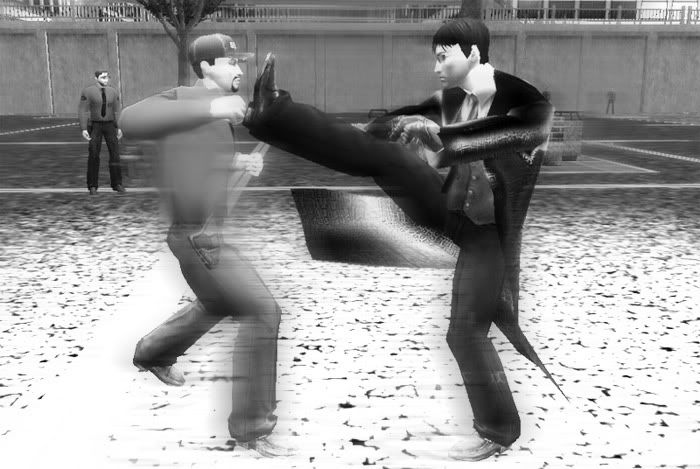
Action Shots
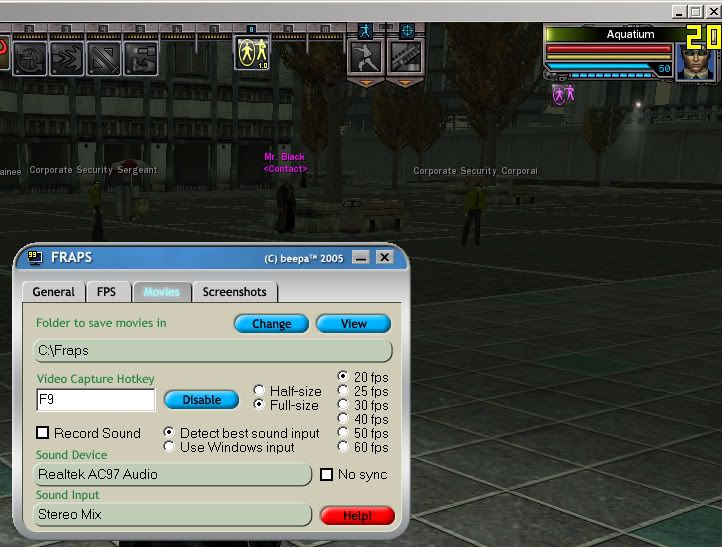
The harder shot to achieve since you rely on timing of press the screenshot button to be perfect, or as close as to... what I do is use a video recording software... e/g fraps..
Have it loaded and set at full screen, i keep mine at 20 fps
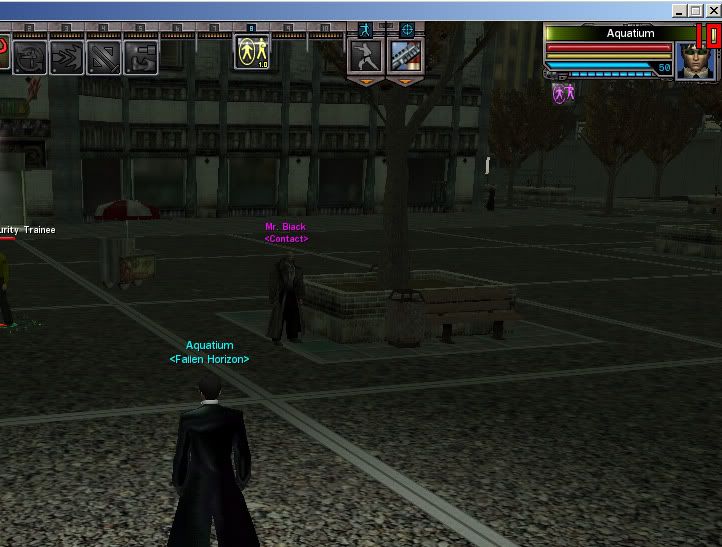
When activated the yellow framerate is red.. its now recording...
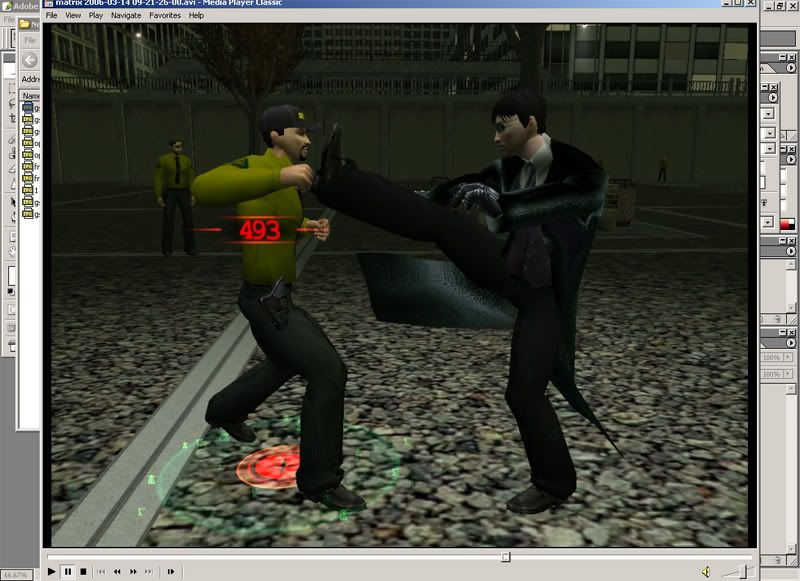
after the recording is done, and i have taken the video, i play back the video and then screenshot the frame i want from it...
Then you have your action shot... edit as needed...
(just quickly done for guide)
I hope this helps some people, and if anyone has more tips to add please do SMILEY
#11400014576 03/14/2006 02:55:25 Re: How To Take a Good Screenshot
My suggestions are:

Check your binding keys for removing the UI and name tags. Aquatiums' are Ctrl+I to remove the tags, mine is Ctrl+t.

In Aquas screen shot of the Video options, i would suggest turning off "Combat text on character". That turns off what you see in
the second screen shot ("493" in red).

I highly recomend recording rather than taking screenshots as well. This means you can rewind, slow down, or pause the video
and get the shot you like.

I think Pblade said "If you don't have a good shot, then the image will never be good" or something like that.

#11400014580 03/14/2006 03:13:05 Re: How To Take a Good Screenshot
Good guide SMILEY

And Media Player Classic FTW!
#11400014583 03/14/2006 03:15:13 Re: How To Take a Good Screenshot


[CoZ]LostProphet wrote:
Good guide SMILEY

And Media Player Classic FTW!


Well it uses the least resources and connects well to any required plugins SMILEY
#11400014584 03/14/2006 03:16:26 Re: How To Take a Good Screenshot
Aqua where did you download that from? I was havinf trouble playing .avi files and i used that. After i formated i forgot where to download it from.
#11400014586 03/14/2006 03:17:58 Re: How To Take a Good Screenshot

it comes with all windows

just go start > run > then type mplayer2

#11400014588 03/14/2006 03:22:11 Re: How To Take a Good Screenshot
great guide deserves a sticky
Photobucket
#11400014590 03/14/2006 03:40:49 Re: How To Take a Good Screenshot
Oh. Hmm maybe thats not what i'm thinking of then...
#11400014597 03/14/2006 04:12:46 Re: How To Take a Good Screenshot
Oh, I didn't know that - mine is installed with the K-Lite++ Codec Pack.
#11400014601 03/14/2006 04:26:25 Re: How To Take a Good Screenshot


[CoZ]LostProphet wrote:
Oh, I didn't know that - mine is installed with the K-Lite++ Codec Pack.


I have that installed too, by far the best codec filled pack out there... xvid (divx backwards SMILEY ) FTW
#11400014624 03/14/2006 07:59:52 Re: How To Take a Good Screenshot

using my fraps method i was able to get a shot like this... otherwise it is hard to grab by just pressing screenshot

#11400014627 03/14/2006 08:08:09 Re: How To Take a Good Screenshot
Good shot.

There's also more methods to getting screenshots without your RSI, like using '/mood sly' instead of Sneak mode. The best one, in my opinion, is to go into your useropts with Notepad and add this code:

CameraHeightOffsetSitGrnd = 1

That way, if you sit on the ground and zoom all the way in, the camera will be floating over you without your head in the frame or anything.
#11400014635 03/14/2006 09:19:22 Re: How To Take a Good Screenshot


Aquatium wrote:
Now press Ctrl +U = remove user interface, then Ctrl + I = remove name tags, this is now our screenshot, im still in the way SMILEY
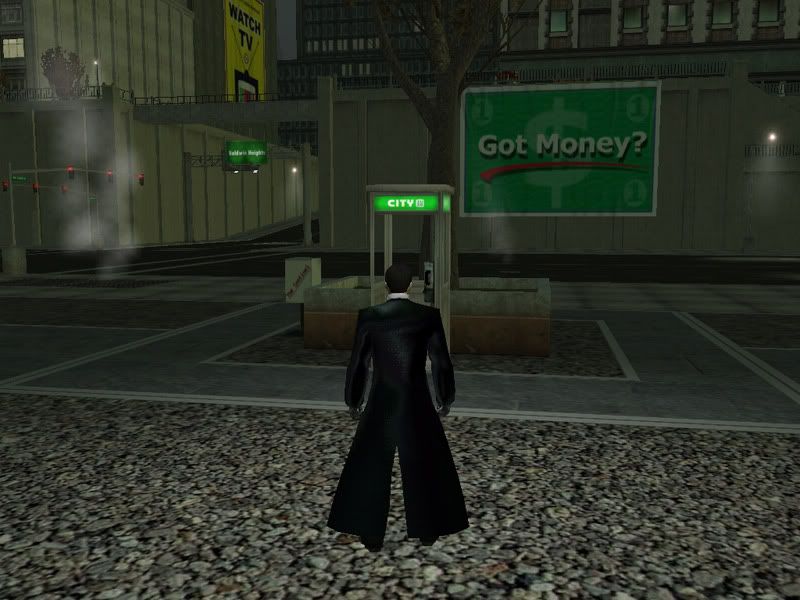
Stealth up... now im still visible, though only slightly, but i still need a good shot of the HL on its own...
--------------------------------------------------------------------------------------------------
Just to avoid any confusion, and great tutorial by the way, as far as I know...you will need to go into "Sneak"  BEFORE you turn off you UI (CTRL+ U) as the hotbar and actions panel is non-functioning with the UI off.  At least this is my experience.
If I am incorrect in this, please let me know as I would love to learn how to do things like targeted hyperjump with UI off...not to mention activating specials during UI-off combat.
Always good to see how others setup their systems for screens, nice job SMILEY
#11400014651 03/14/2006 10:04:23 Re: How To Take a Good Screenshot
NoICE!  Mods Please Stickie this Tutorial.

#11400014795 03/14/2006 22:34:44 Re: How To Take a Good Screenshot
Too bad this technique only applies to the people with powerful computers.  Unlike mine.  FRAPS turns my gameplay into shyte.  :smileysad:
#11400014865 03/15/2006 09:41 Re: How To Take a Good Screenshot
Great thread guys.  For some reason, I never thought about using Fraps first and then taking a still frame.  It's a better idea, I think, then just hoping I catch the moment with F12.  The steps for getting your body out of the shot are really helpful too.